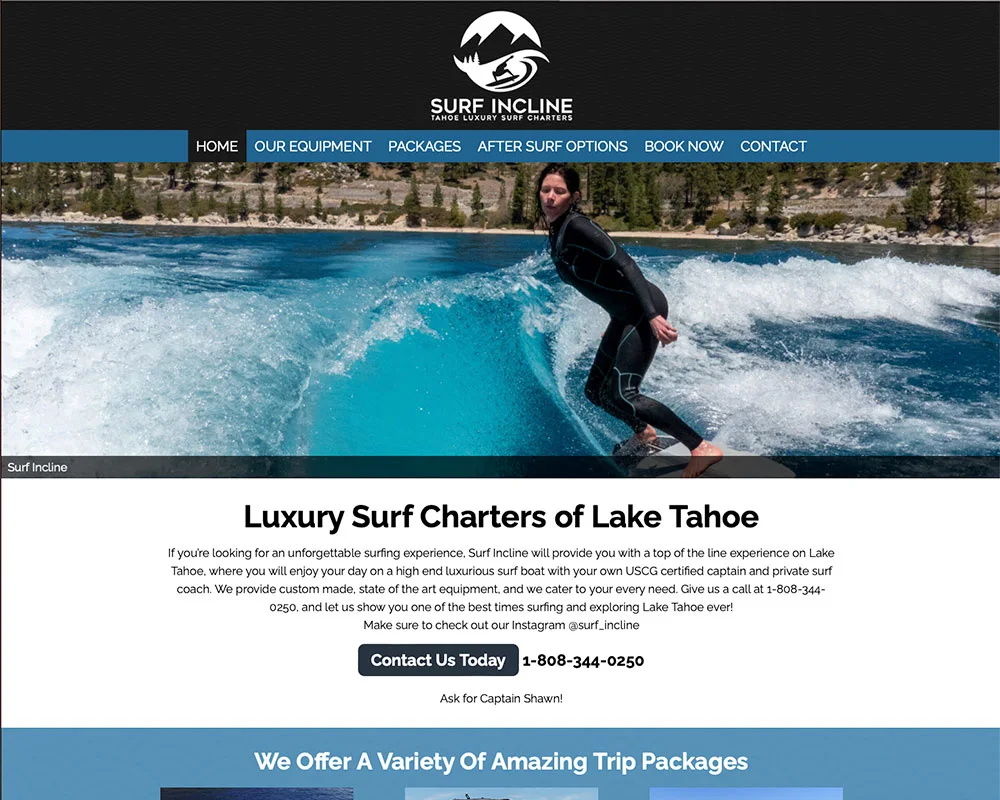
Surf Incline
Lake Tahoe wakesurfing, with a website to match.
Earlier website work
View Project
More time in the tunnel
Baseball and softball players come to Apollo for time at the plate, pitching practice and feedback on their swing. HitTrax, Hack Attack and dedicated training tunnels give them different ways to work on their game.
The website connects those choices with online reservations. Our custom booking tools help players find today’s openings and help the business organize different sessions around the spaces they share.
Talk About Your Booking WebsiteVisit Apollo Batting Cages →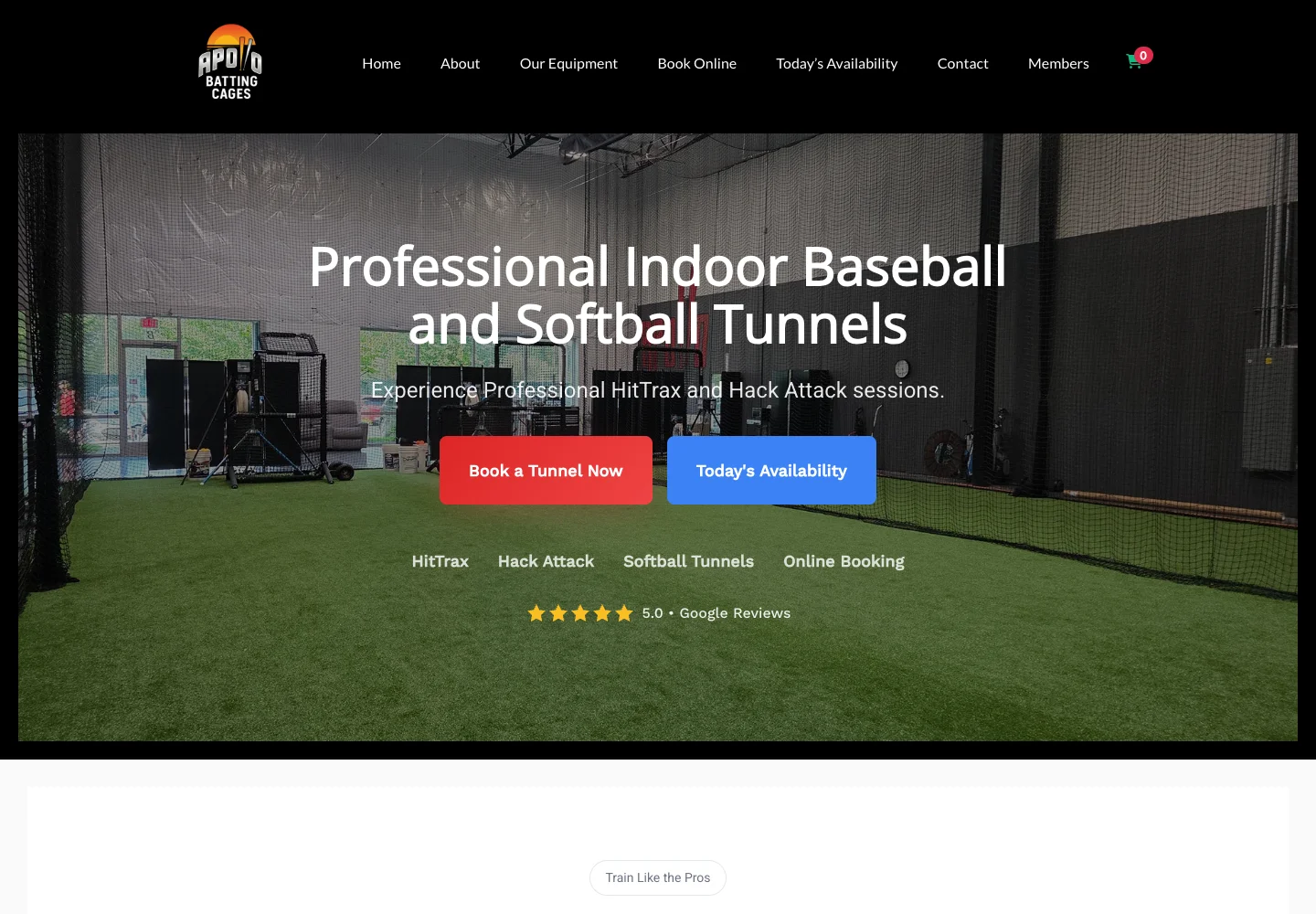
01 / Answer the immediate question
A player with an opening in their afternoon needs a quick answer: can I get a tunnel today?
We built a same-day availability page that groups open sessions by start time. Visitors can scan the time slots, compare the tunnel options and choose “Book This Slot.”
The custom tool carries the selected session into the existing booking flow. It gives a player a useful starting point without requiring them to open every tunnel page to look for a time.
See today’s openings →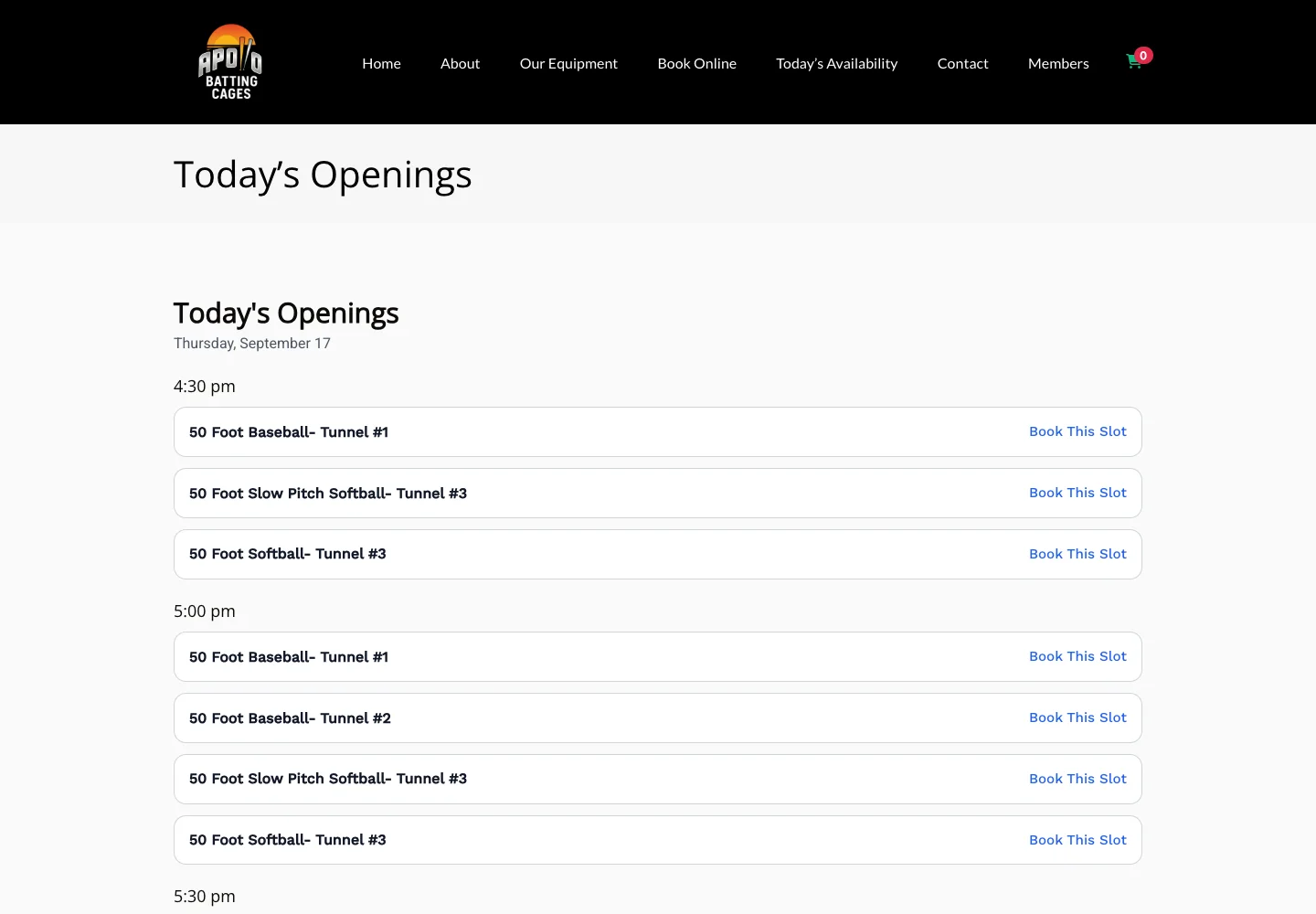
02 / Help players choose a session
A HitTrax session offers a different experience from a standard batting tunnel. Players can review the equipment, training features and session details before choosing a date.
The HitTrax page brings together tunnel photography, hitting metrics, ballpark simulations and practical instructions about using the machine. The booking calendar sits alongside that information.
That keeps the choice grounded in what the player wants to practice, with a clear path from the session description into a reservation.
Plan Your Online Booking Experience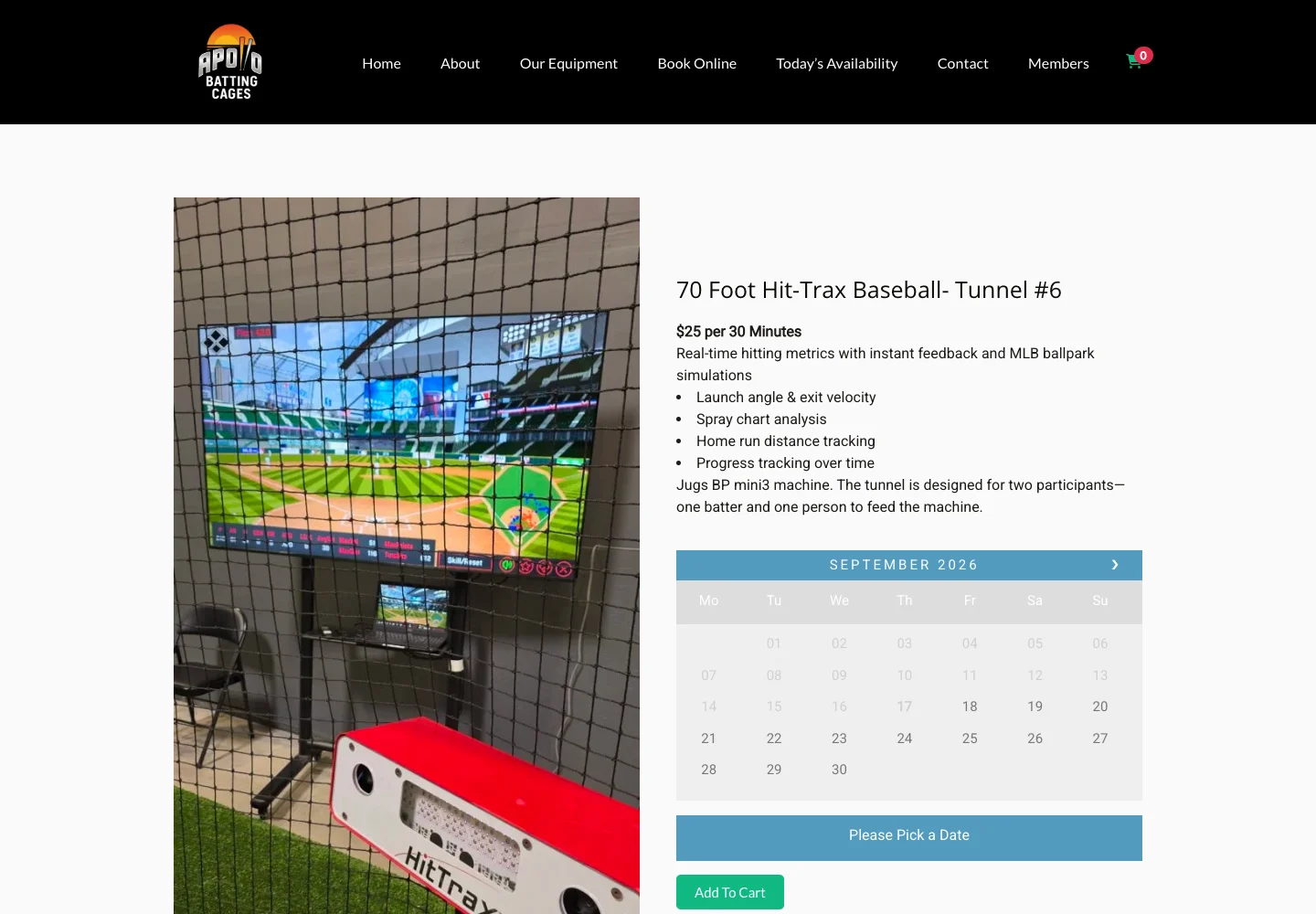
04 / Make the options easy to compare
The booking catalog shows tunnel photographs, lengths, training types and equipment names. Players can browse the choices before opening the session that fits their practice.
There are two useful starting points: choose the type of training you want, or start with the time you have available. The website supports both.
Explore Apollo’s booking catalog →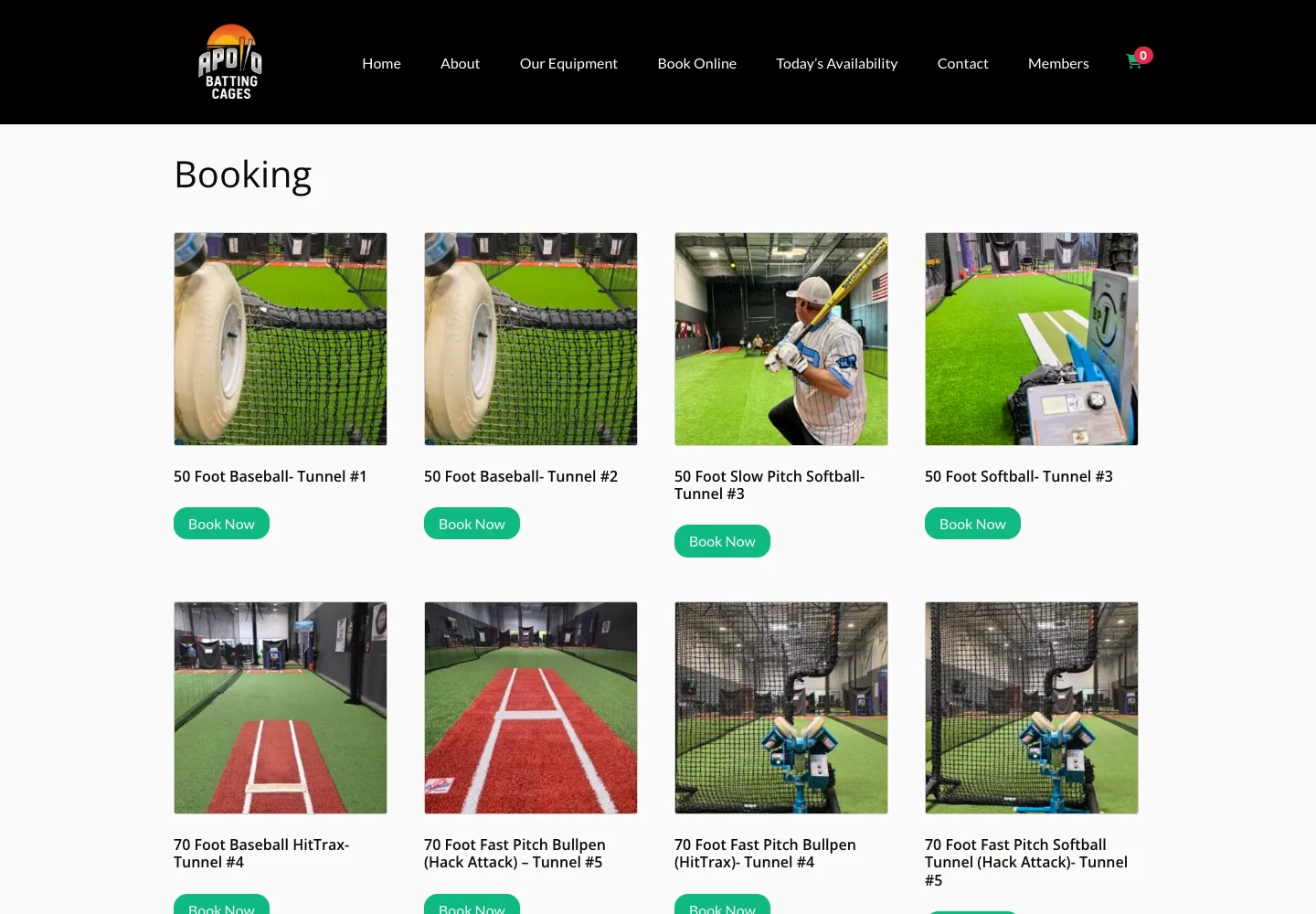
Explore baseball, softball, HitTrax and pitching-machine options.
Check today’s openings or use the session’s booking calendar.
Review the session and follow the reservation process.
The approach
Apollo’s custom functionality extends its existing booking system to support the way the facility operates: same-day openings, different training options and shared spaces.
If your customers need to reserve equipment, rooms, sessions or time with your team, we can help shape the website around those choices.
Let’s Talk About Your Booking ToolsLake Tahoe wakesurfing, with a website to match.
Earlier website work
View Project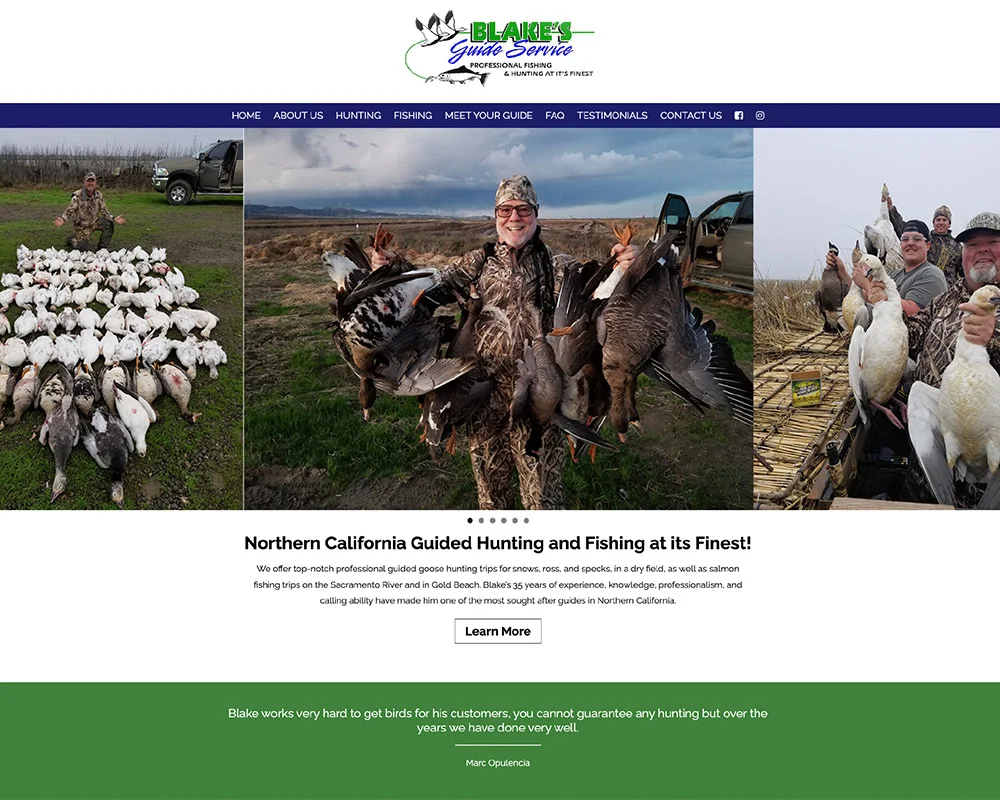
From the Sacramento River to the goose fields.
Earlier website work
View Project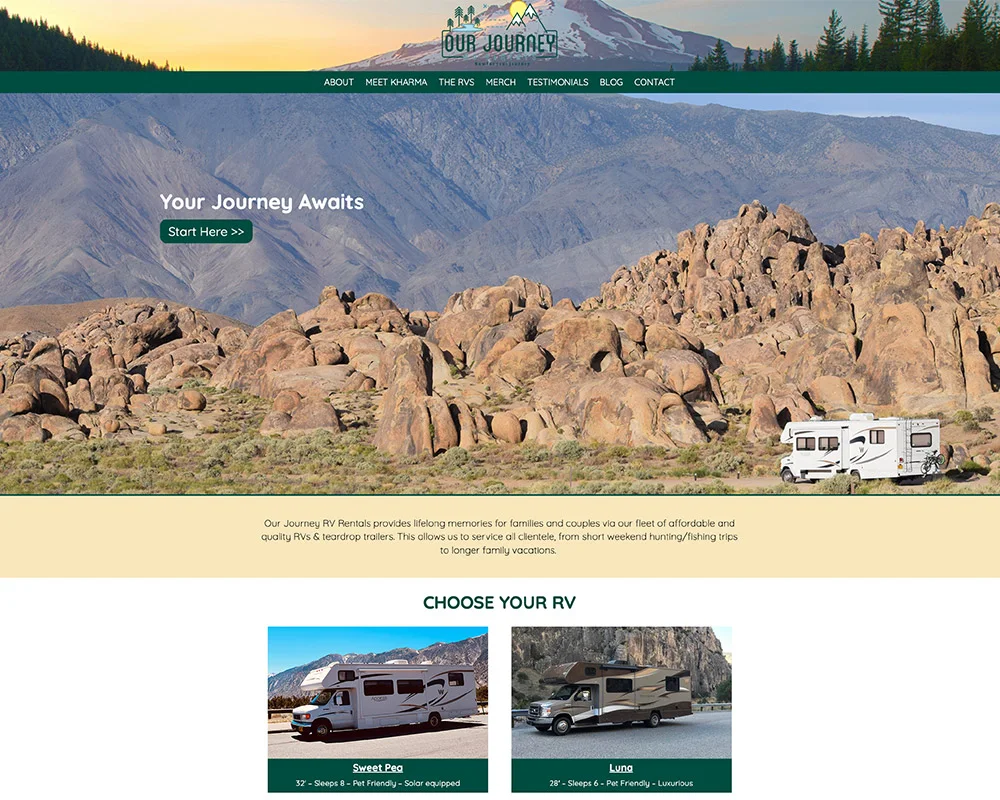
A family-run RV rental business, ready for the next trip.
Earlier website work
View ProjectA few details are all we need to get started.