Explain the Application
Show what a product does, who it is for, and the conditions that determine whether it is suitable.

Turn product interest into orders
A good online store does more than display what you sell. It helps customers find the right item, understand why it fits their needs, and move confidently toward an order.
We bring your catalog, product content and buying experience together in a store built around your business.
Let’s Talk About Your StoreExplore our ecommerce work ↓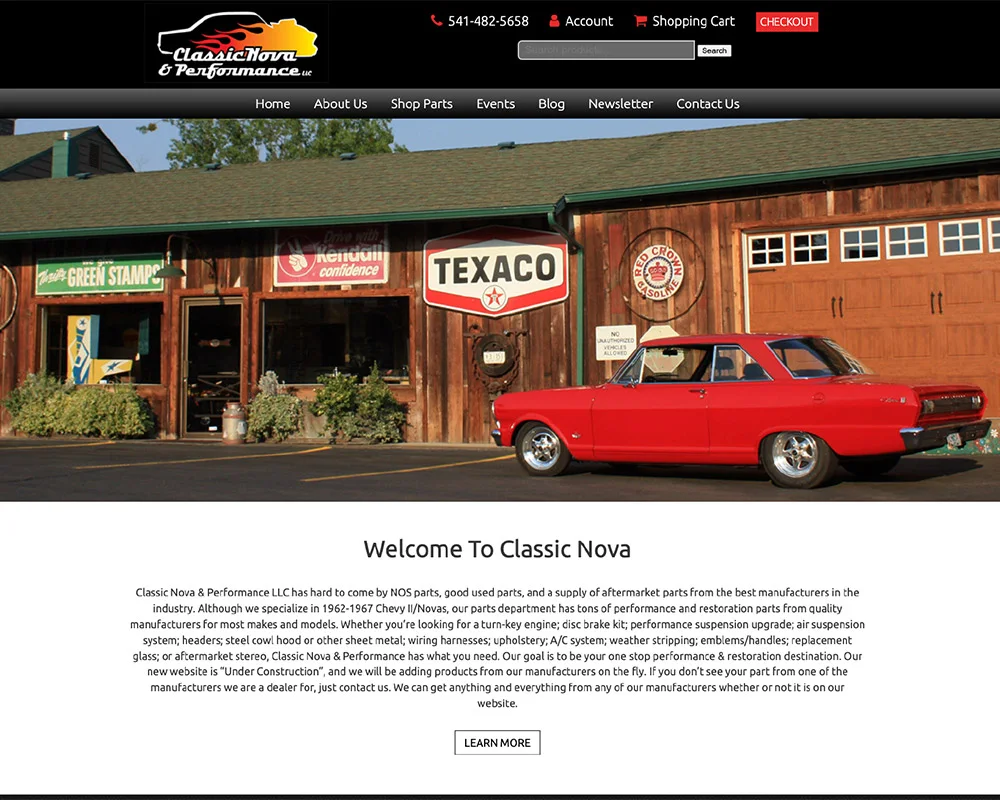
01 / Make the right product easier to find
A shopper looking for a router bit has different questions from someone restoring a classic car. The way your store organizes products should reflect those differences.
For Bits & Bits, our earlier website work organized a specialist CNC-tool catalog around tool categories and individual product information. For Classic Nova Performance, a shop filter helped buyers narrow a parts catalog, with fitment information on product pages.
We plan categories, filters and product names around the details that matter to your buyers, so they can get from a broad need to a useful selection.
Explore the Bits & Bits project →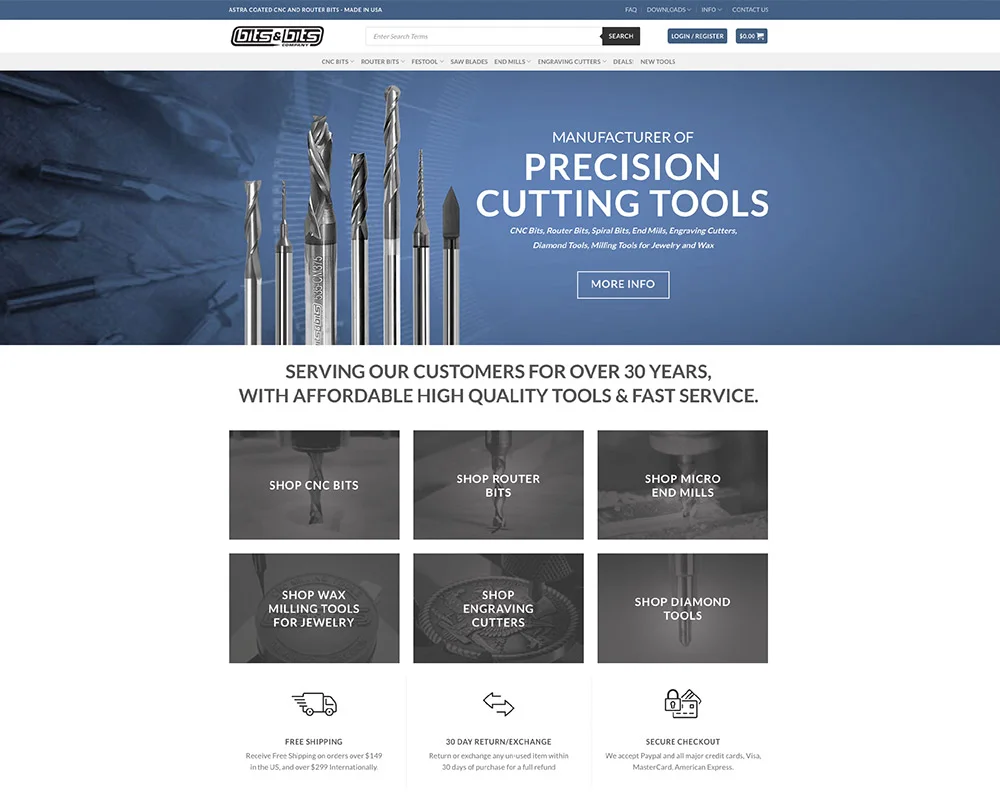
02 / Answer the questions before the order
Will it fit? What is included? How is this version different? Your product page should answer the questions that stand between interest and a purchase.
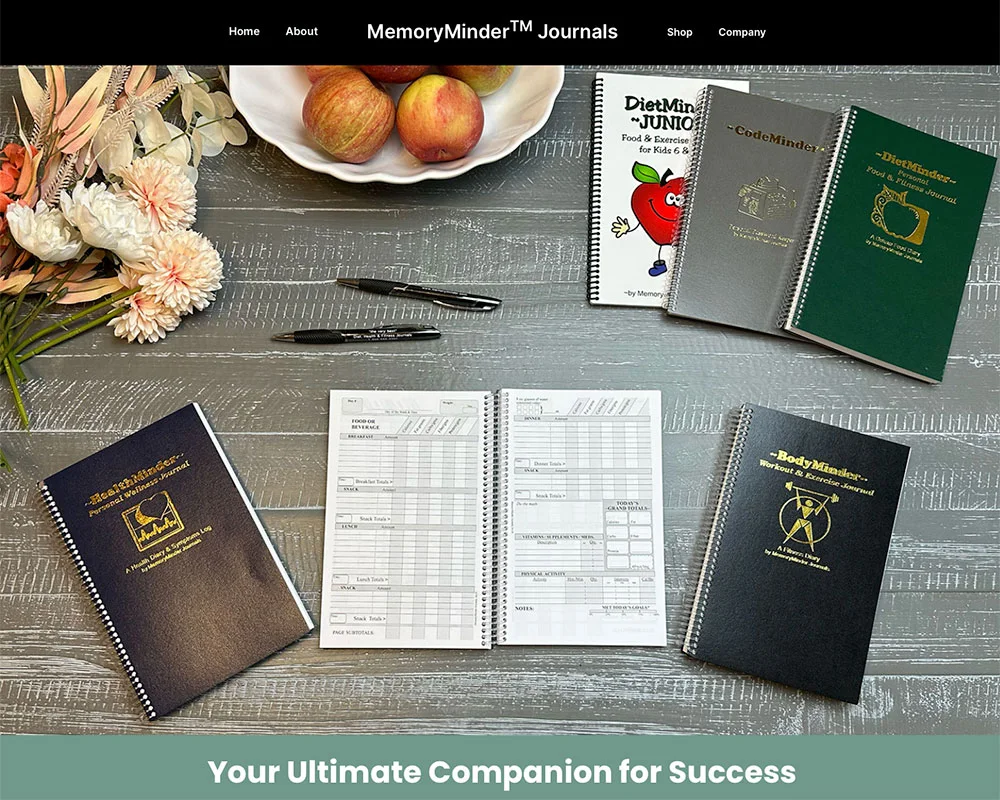
Memory Minder Journals offers products for travel, diet, fitness, passwords and other everyday records. We organized the website around those uses, bringing product photographs, descriptions and customer comments together to help shoppers choose.
For your store, we write around the buying decision: the product’s purpose, specifications, options, compatibility and limitations. Useful photos show details customers cannot inspect in person.
Explore the Memory Minder Journals project →03 / Give each product a way to be discovered
A product name alone leaves too much unexplained. Descriptive category pages, detailed product information and focused buying guides give shoppers more ways to discover what you sell.
We connect guides to relevant products and organize the information search systems need to understand them. Where product structured data or feeds are part of the project, they should agree with the visible item, price and availability.
Explore SEO & AI Search →Show what a product does, who it is for, and the conditions that determine whether it is suitable.
Explain the differences between sizes, models and options instead of repeating the same description.
Link buying guides to the items they discuss, so the next step is close to the answer.
04 / Carry the choice through to checkout
Once a shopper chooses a product, the website needs to carry that choice through accurately. The selected option, basket and order details should tell the same story.
We plan payment, delivery and ordering requirements with you and check the agreed buying flow before launch. Products that need a quote or a compatibility conversation can have an inquiry path instead.
Plan Your Online StoreMake product options understandable and show the details that change with the selection.
Put availability, delivery, returns and ordering information where shoppers need it.
Check the purchase path and confirm the business receives the order information it needs.
05 / A store your team can manage
Adding products, changing prices, updating stock and handling orders are part of running the store. We review how you work today before deciding which tools and connections your website needs.
Your team receives training on the tools included in your project. Lifetime phone help means you can call with questions about how to use your website for as long as you own it.
Website Support & Training →An ecommerce catalog for CNC tools and the people who use them.
Earlier website work
View ProjectA parts store built for Chevrolet II and Nova enthusiasts.
Earlier website work
View ProjectAn online store for the things people want to keep track of.
Earlier website work
View ProjectA few details are all we need to get started.