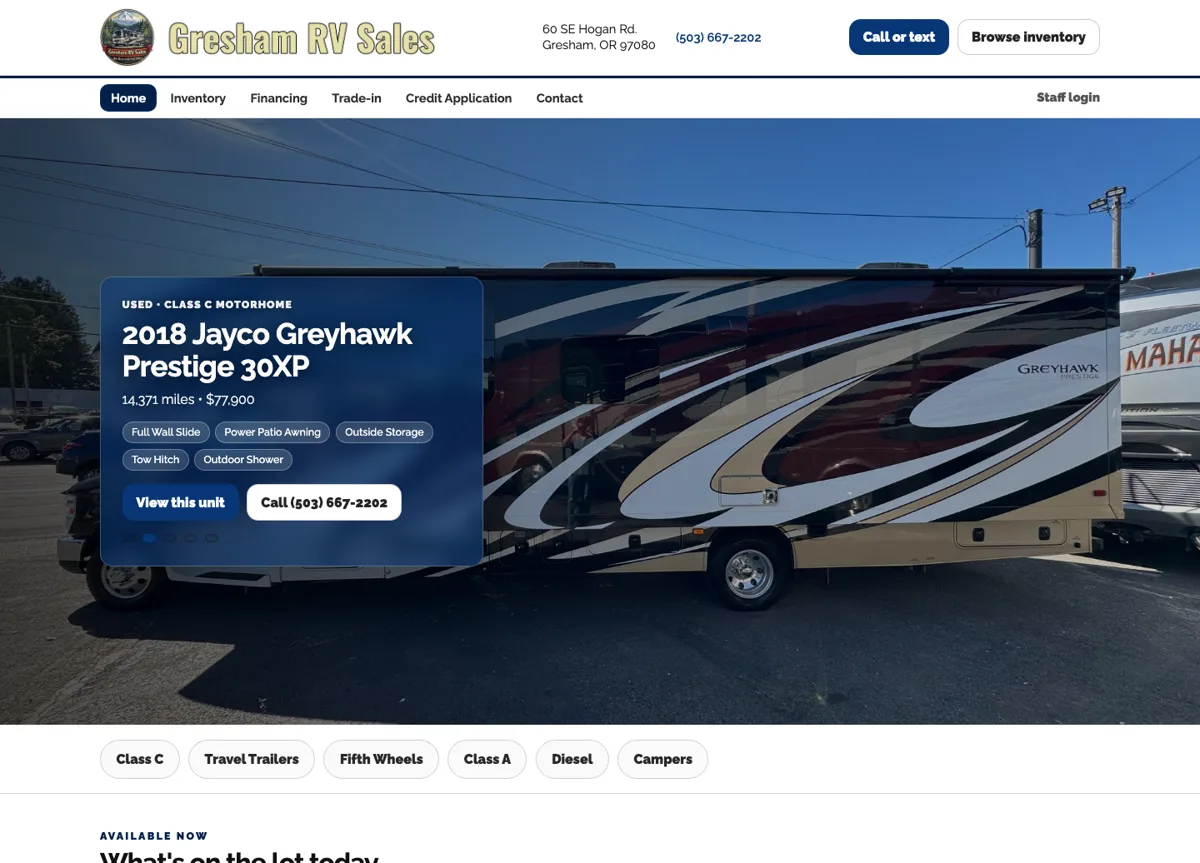
Gresham RV Sales
RV shopping for customers. Inventory management for the dealership.
Website project
View Project
Put your website to work
Custom web development gives your team tools to publish inventory, show booking availability, add completed projects and manage inquiries from the website itself. We build them in Grants Pass for businesses across Oregon.
We build around the job you need to get done, with screens and steps that make sense for the people using them.
Tell Us What You Need to DoSee the tools we’ve built ↓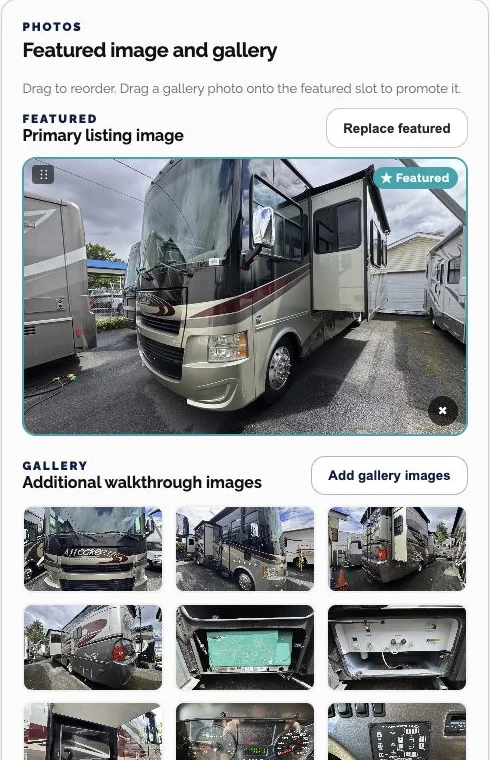
01 / Keep a changing inventory current
A dealership needs to change prices, add photos and update availability as vehicles move through the lot. Those changes should be part of a listing editor, without requiring staff to rebuild a web page.
For Gresham RV Sales, we built tools for vehicle specifications, prices, descriptions, photos and availability. Staff can choose the featured image, drag gallery photos into order and move listings through draft, published and sale-pending states.
The result is a dedicated place to manage the information shoppers see, with controls matched to the dealership’s daily work.
Explore the Gresham RV Sales project →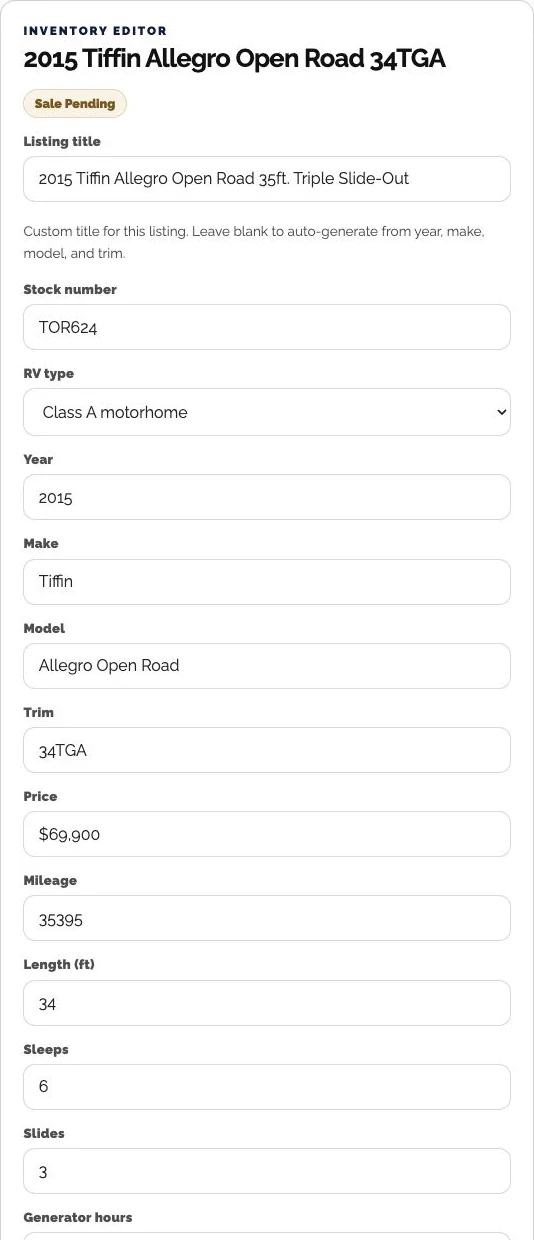
02 / Match booking to the way you operate
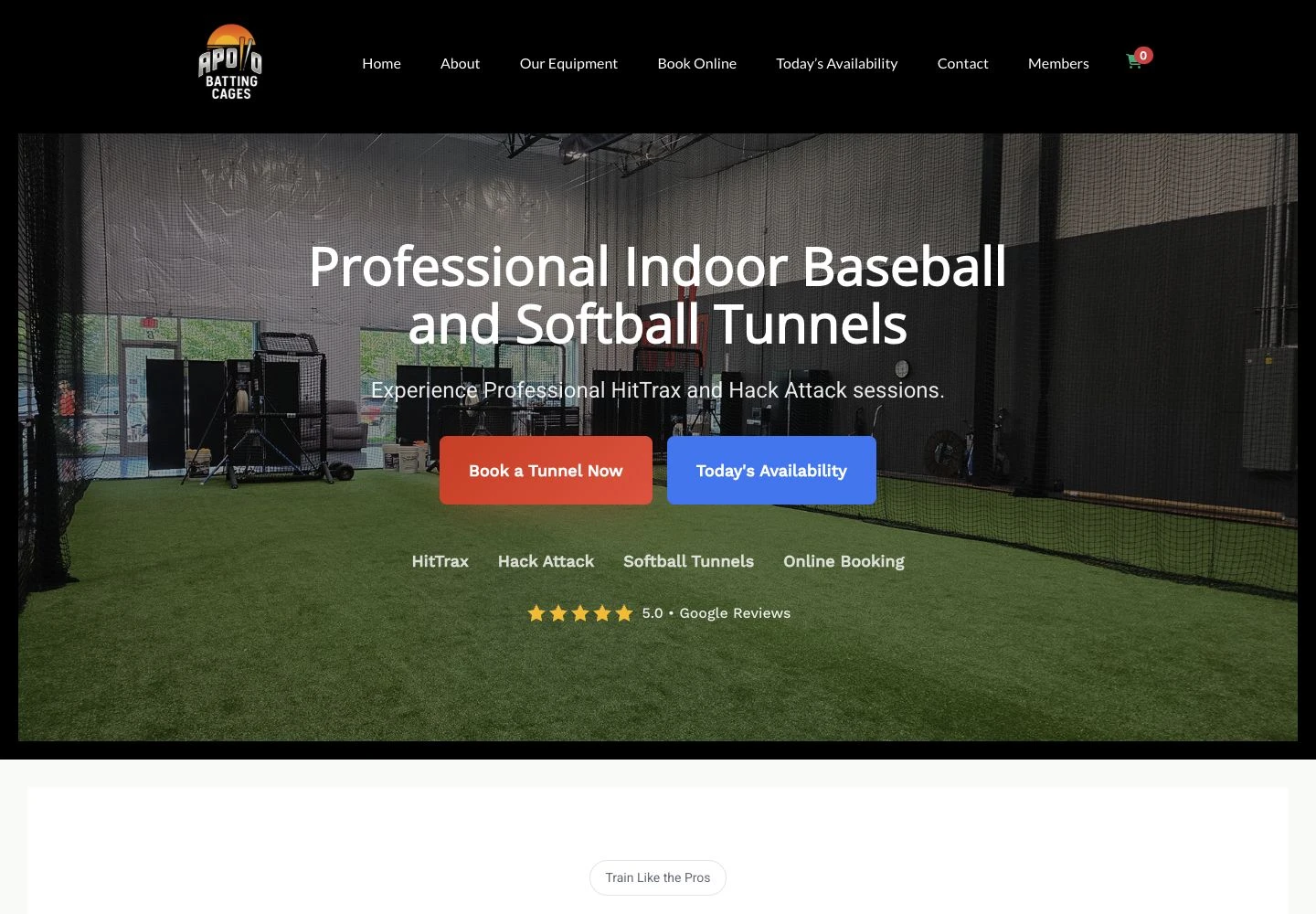
Your customers book a cage, a room or a time slot. Behind that choice, the system needs to know which space or resource they are reserving.
At Apollo Batting Cages, we developed WordPress functionality for today’s openings and the names customers see when choosing a booking resource. Public labels connect to the underlying spaces, so renaming a tunnel does not mean treating it as a different cage.
A focused addition can make an existing system better suited to the business. We review what you already use before recommending the work.
Explore the Apollo booking work →03 / Turn completed work into website content
A finished job gives your business something new to show. A project-publishing tool gives it a home on your website, where future customers can explore your work.
For Deschutes Concierge Handyman, we built project publishing alongside service and membership pages. A private inbox keeps website inquiries together so the business can review the requests coming through its site.
Our automatic project portfolio offering takes this further: upload a work order or invoice with job photos, and we create an SEO-optimized project page explaining the work. Your growing portfolio also becomes a look-book to show clients when discussing their ideas.
Explore Automatic Project Portfolios →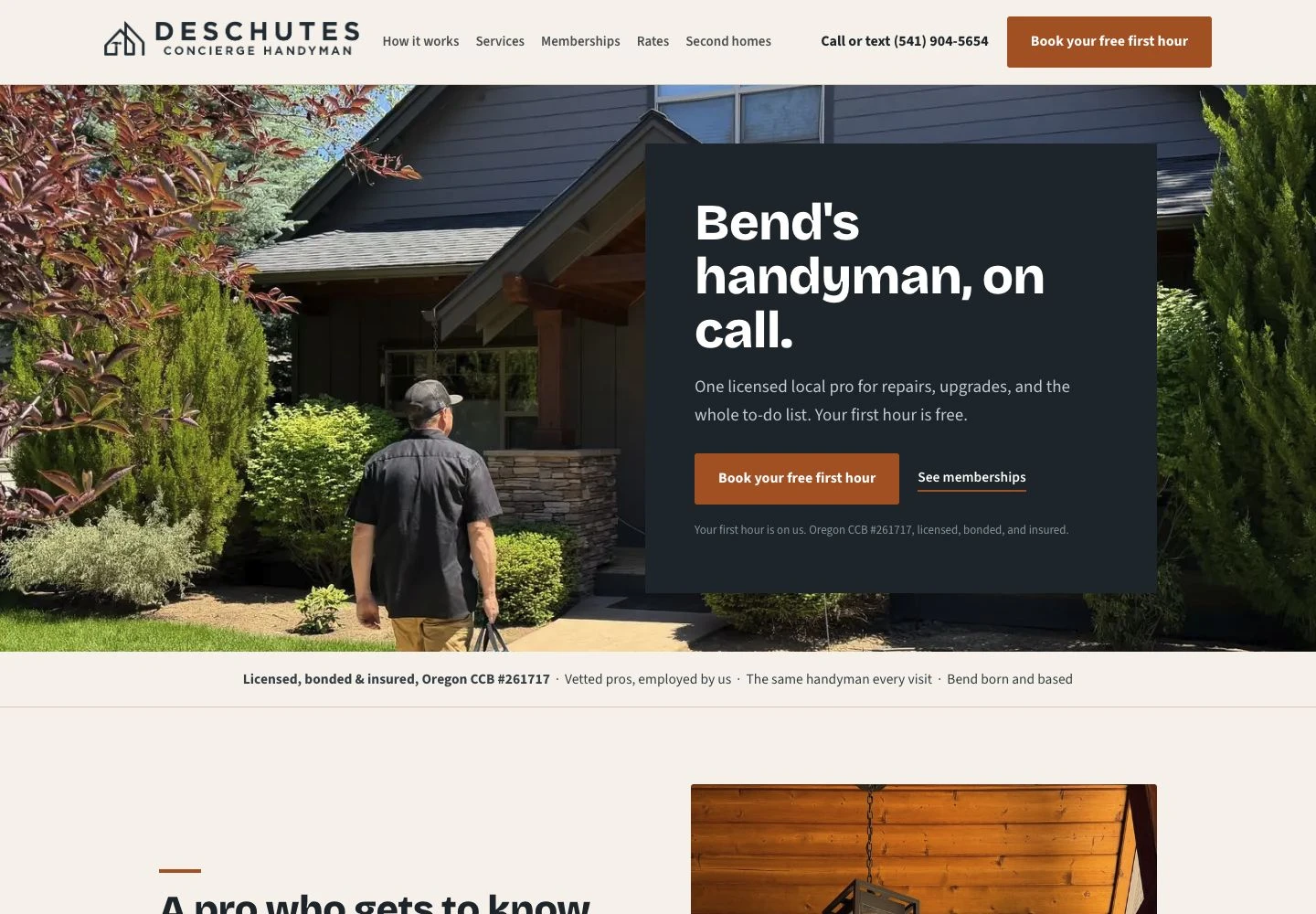
04 / Start with the task
Show us the task your team repeats, the information customers submit, or the gap in your current website. We’ll work through who uses the tool, what they enter and what needs to happen next.
That becomes a clear scope for the screens, records, permissions and any connections to existing systems.
Describe Your Website ToolStart with the people doing the work, the information they need and the outcome they expect.
Review the tool using examples from your business and refine the steps before launch.
Test missing information, repeated submissions, permissions and what happens after saving.
05 / Know what comes with the tool
You own your website, content and data. We define the features and ongoing responsibilities before building, including any third-party services the tool depends on.
We show your team how to use the tools included in your project. Lifetime phone help and training mean you can call with how-to questions for as long as you own your website.
Explore Website Support & Training →RV shopping for customers. Inventory management for the dealership.
Website project
View ProjectBooking tools built around the batting cages people reserve.
Custom booking tools
View ProjectA Bend handyman’s services, memberships, and project work under one roof.
Website & publishing tools
View ProjectA few details are all we need to get started.