Week 1. Find Your Starting Point
List your important pages and their current URLs. Check your business facts, make sure you can log in to edit the site, and gather whatever search and inquiry records you have. Write down the problems you find before you change anything, so later you can tell which change did what.
By the end of the week you have a page list, a checked fact sheet and a short list of priorities. Keep passwords and customer information in a private place, away from shared documents.
Russco’s Service Pages Show Up for the Jobs People Search
When we researched the excavation market in Douglas County, we built Russco Enterprises a separate page for each of its 12 services and 5 service areas. Search Console shows those individual pages appearing for the jobs people search for.
August 17 to September 13, 2026. Google Search Console web-search totals. Traffic is still modest; impressions count appearances in search results.
A page for every job
A property owner searching for trench digging lands on a page about trench digging, with the equipment, the factors that affect an estimate, and a way to request one.
See the Russco Enterprises project →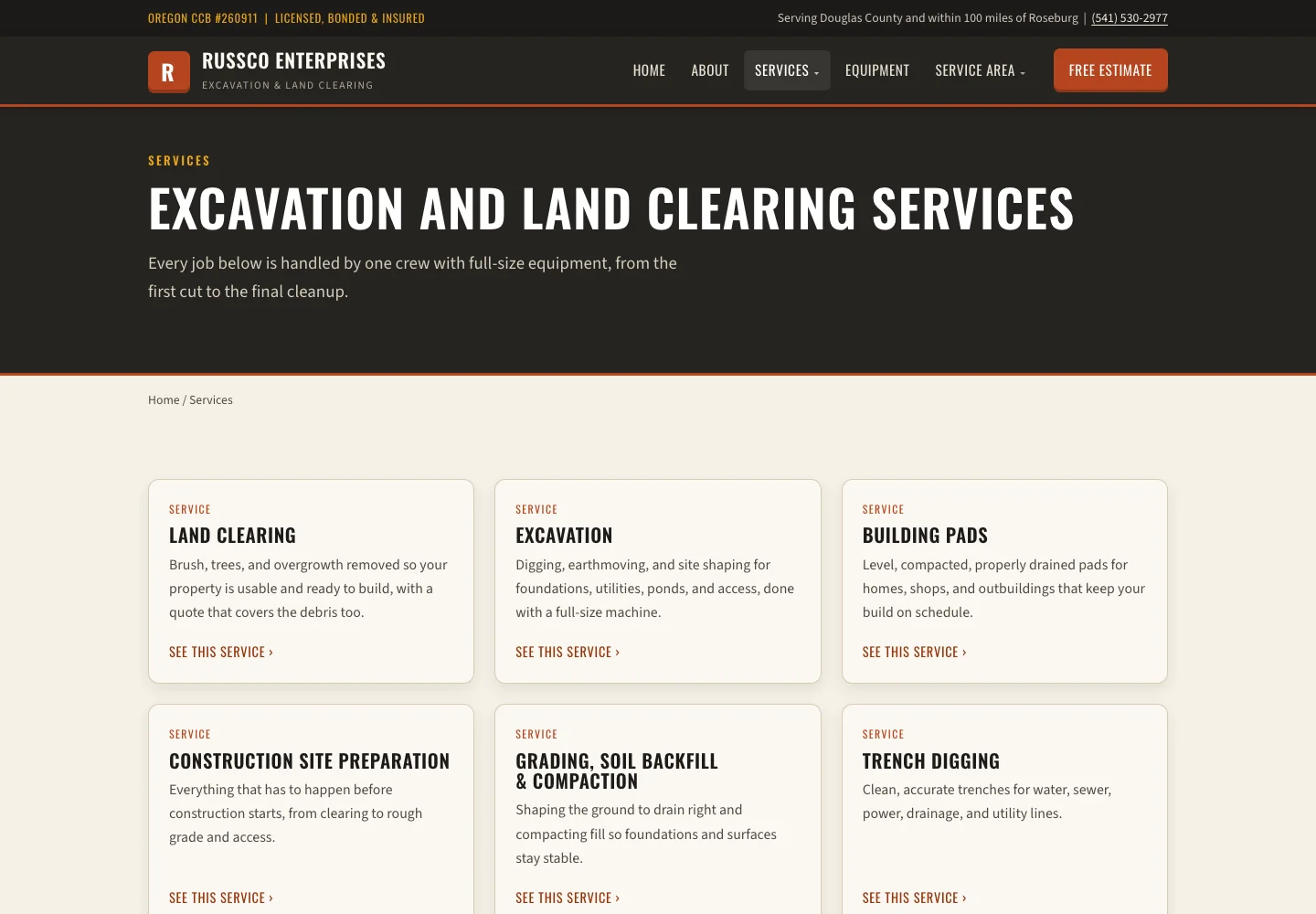
Week 2. Finish One Service Page
Pick a service you want more of. Say you run a Rogue Valley land clearing business and want more lot clearing jobs. Explain what the job includes, where you do it, any conditions that matter and what the customer should send you to get a quote. Give the page a clear title and link to it from related pages.
The page is done when you’ve checked every fact and a reader can tell whether the service fits their job. The one-page exercise walks through that review in detail.
Week 3. Add a Relevant Example
Choose a finished project or product that shows the service in action. Say who it was for and what you delivered. Add photos with captions that tell the reader what to look at, like the cleared lot and the new driveway.
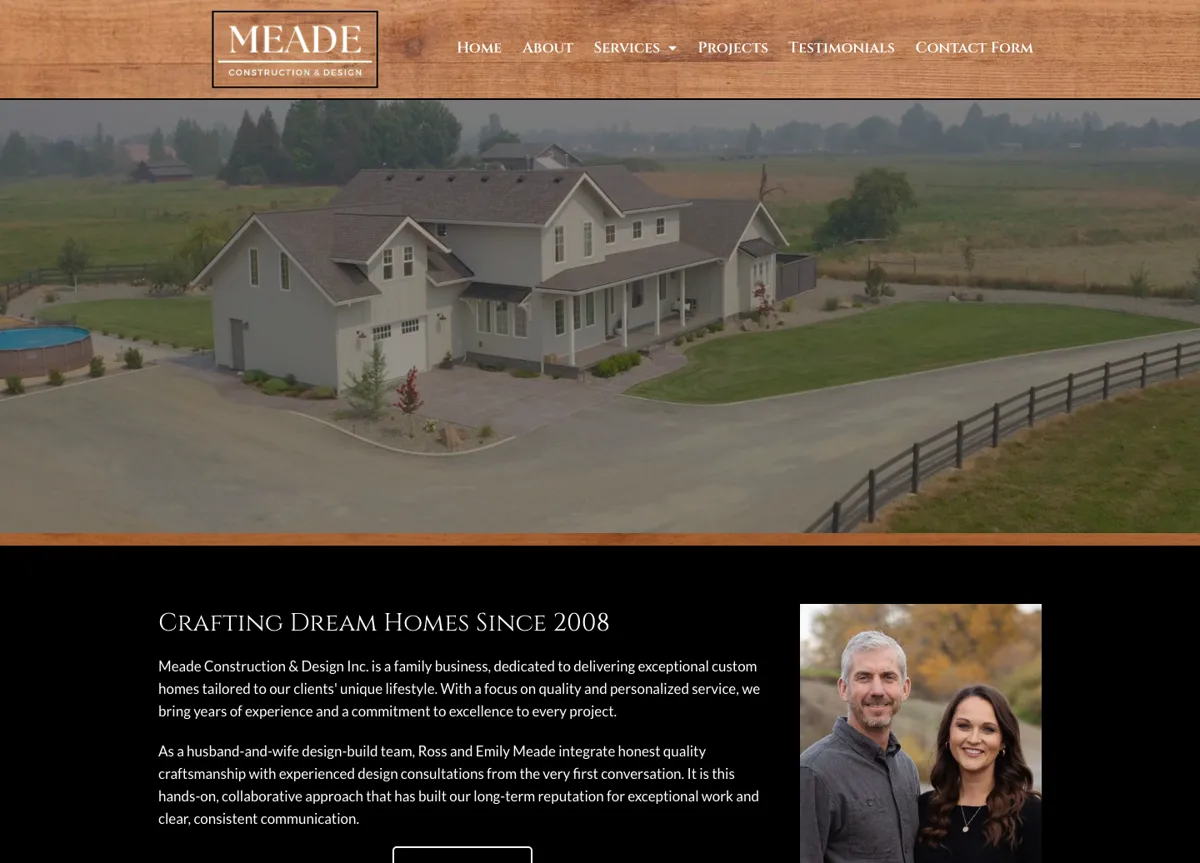
Our Meade project does this with home galleries and a team introduction. Build your example from your own jobs and your own facts, and describe only the results you delivered.
Russco in Google’s AI Overview
On September 16, 2026, we searched Google for “who does trench digging and land clearing in Roseburg Oregon.” Google’s AI Overview named Russco Enterprises, drawing on its homepage, its trench-digging service page and its Roseburg service-area page.
One dated search observation from Merlin, Oregon. AI answers vary by person, place and time. See the Russco Enterprises project
Week 4. Verify and Record
Check every page on a phone, click every link, confirm the pages load and can be found by search engines, and send a test inquiry through the form. Write down the date each change went live and what changed.
Month one is done when the changes you agreed on work and are written down. Search results take longer to read, so day 30 is a checkpoint for the work itself. The monthly reporting checklist covers what to watch next.
Assign an Owner and a Completion Check
You, the owner, approve the services, the coverage area, the photos and any claims. The writer turns that approved material into the page. The developer builds it and fixes the technical issues. In a small business one person may wear all three hats, which works fine as long as every decision has a name next to it.
Keep a short task list with the page URL, the change, who’s doing it, what it depends on and how you’ll know it’s done. “Improve SEO” is too broad to check off. “Publish the approved lot clearing page and test its inquiry form” is a task you can finish on a Tuesday afternoon.
If a photo, a technical answer or an approval runs late, move the schedule and use the real material when it arrives. Thirty days is a sample plan, and rankings follow their own timing, so judge the month by the work you finished. If you’d like help planning your first month, call me at (541) 226-8087.

I run Good Creations in Grants Pass. I work directly with business owners on website design, content, and search. My work includes service writing, inventory websites, and custom publishing tools.
Meet Bob