Search impressions and clicks
An impression means your result was counted as shown under the search platform’s reporting rules. It counts showings, the people walking past the window, so one person searching three times can add three impressions. A click means someone followed the search result to your site, the person stepping through the door.
Average position is an average of the positions counted across many searches, and different people saw different rankings. Before you read anything into it, look at the search term, the landing page, the time period and the device.
Oregon RV Outlet Turned Its Inventory Into Search Traffic
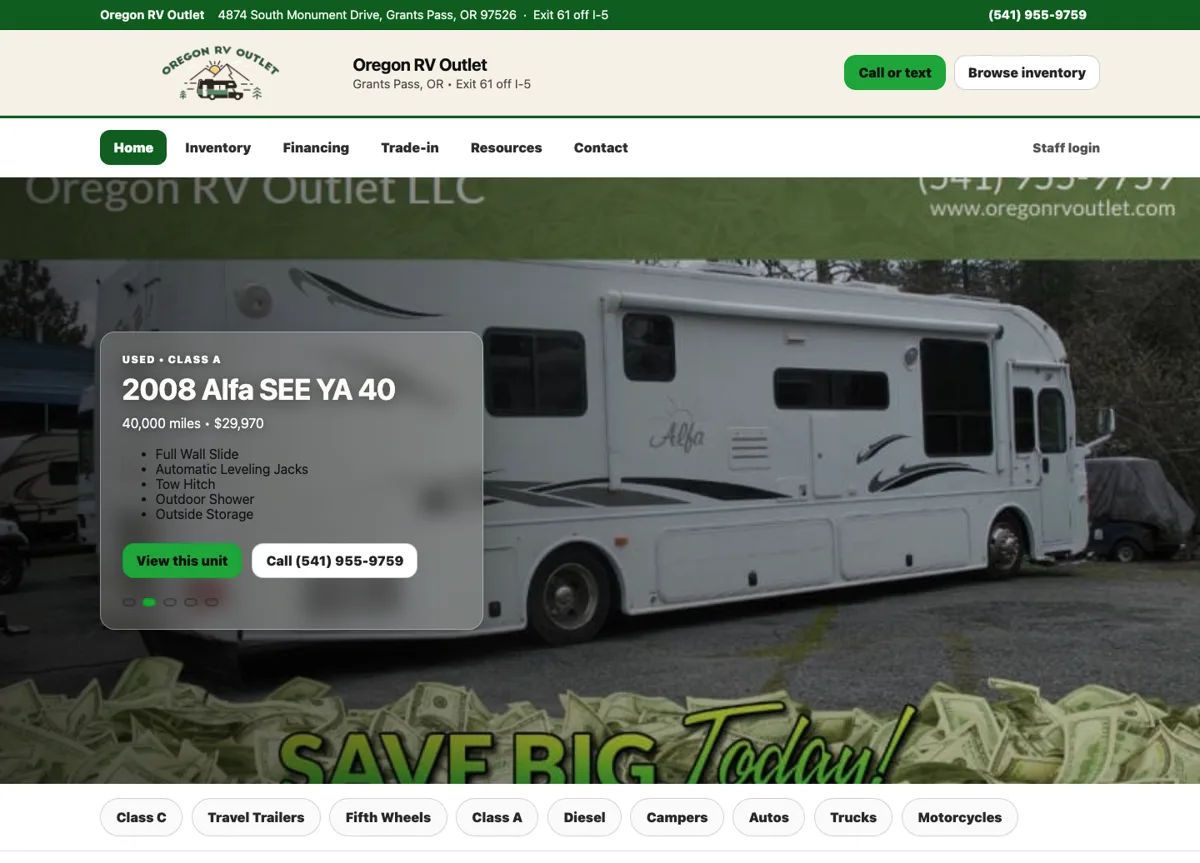
Every RV on Oregon RV Outlet’s lot has its own page with photos, specifications and a way to call or text about that unit. Those pages give Google something specific to show for each search a shopper makes.
August 13 to September 9, 2026. Clicks and impressions from Google Search Console; organic-search sessions from Google Analytics. These are different measures and are not added together.
One page for every unit on the lot
A shopper searching for a specific trailer can land on the page for that exact trailer, see the photos, and call about it.
See the Oregon RV Outlet project →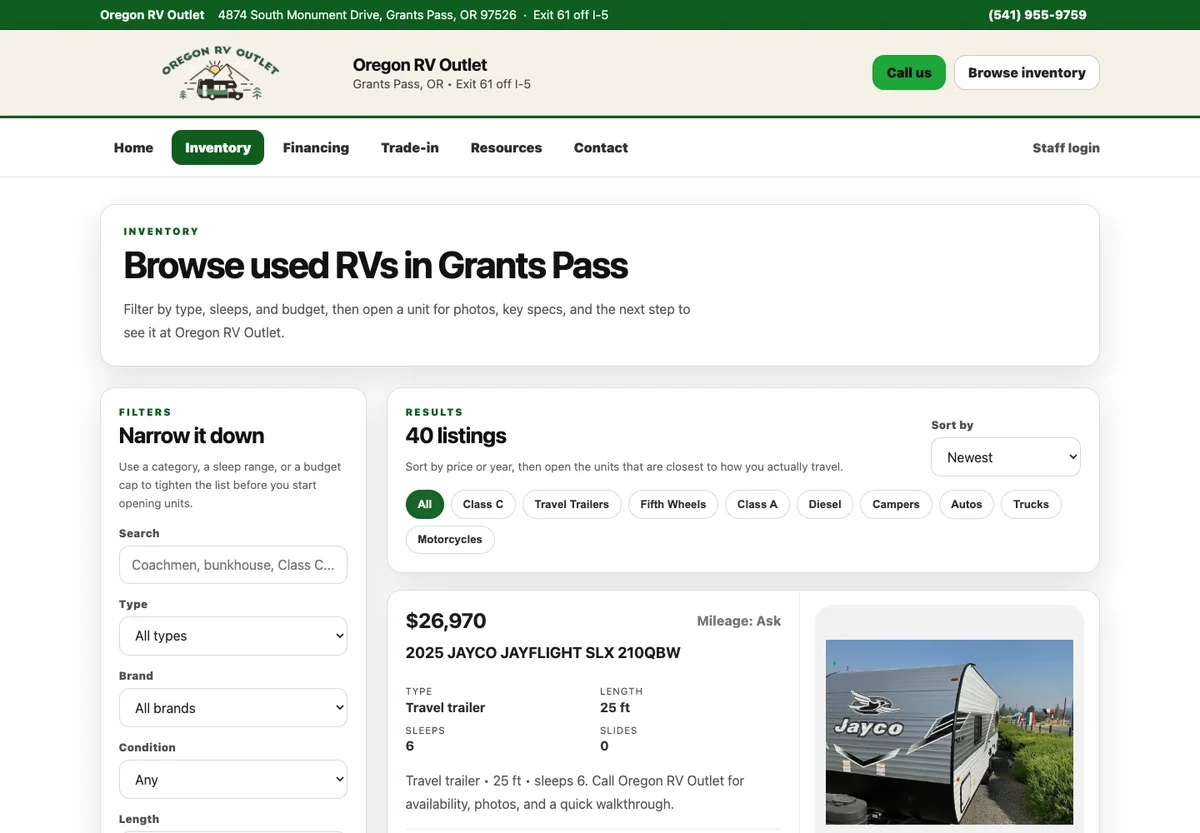
A Useful Report Has a Date and a Definition
Our Oregon RV Outlet case study reports search results for a stated period. The figures sit beside the website features and performance checks, and each one is labeled for what it measures.
When you compare periods, note any advertising, seasonal swings, outages and changes to the site. A rise after an edit is worth writing down, and showing that the edit caused it takes more evidence.
Count Contact Actions and Completed Inquiries Separately
A tap on a phone link shows someone started a call, and a Submit click shows someone tried to send a message. The call connecting and the message arriving are separate events, so count them separately.
For a form, match the success event against the inquiries you received. If the numbers disagree, check the tracking or the delivery before you use the total in any results claim. Keep customers’ personal details out of anything you publish.
Connect the Report to a Decision
A page with plenty of relevant impressions and few visits may need its title reviewed, along with how well it matches the search. A page with visits and confused inquiries may need a clearer explanation of the service. Look at several numbers together before you decide on either fix.
Use the monthly review checklist to keep the same definitions and context from one report to the next.
Russco’s Service Pages Show Up for the Jobs People Search
When we researched the excavation market in Douglas County, we built Russco Enterprises a separate page for each of its 12 services and 5 service areas. Search Console shows those individual pages appearing for the jobs people search for.
August 17 to September 13, 2026. Google Search Console web-search totals. Traffic is still modest; impressions count appearances in search results.
A page for every job
A property owner searching for trench digging lands on a page about trench digging, with the equipment, the factors that affect an estimate, and a way to request one.
See the Russco Enterprises project →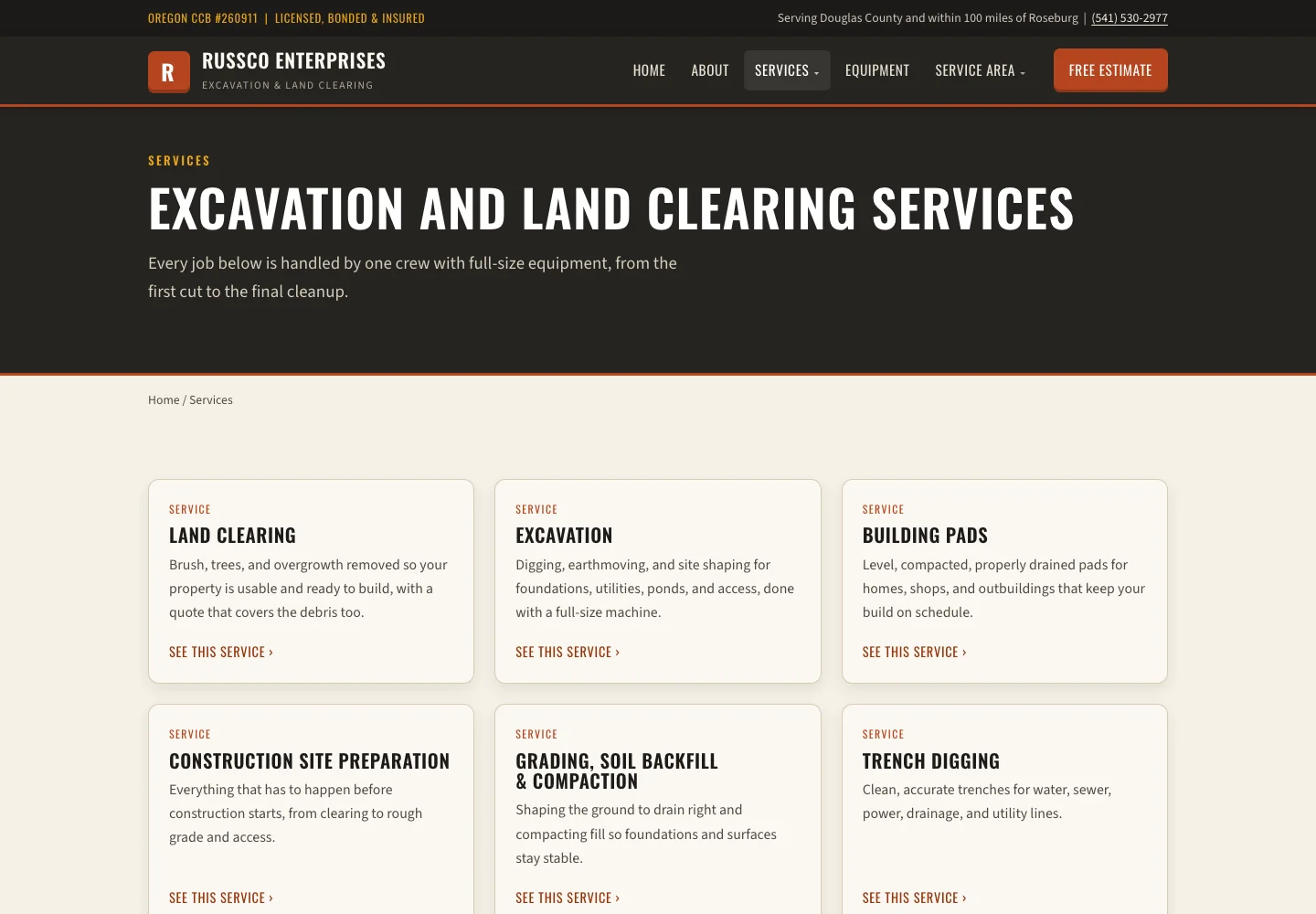
An Example Calculation and What It Can Tell You
Say a report shows 2,000 search impressions and 40 clicks for one page. Its click-through rate is 2 percent, 40 divided by 2,000. These are example numbers. They tell you how often the result was shown and clicked, and they leave open how many different people saw it and how many became customers.
If the same period brings three inquiries, check where each one came from before crediting those 40 search clicks. Some may have come from referrals, email or a direct visit, and each source needs its own evidence.
Compare the same page, search type and date range each time. Look at the search terms as well as the total, because a local service search and a broad research search bring very different visitors. Use the monthly reporting worksheet to record what changed and what the numbers support, and if you’d like help setting up a report that answers these questions, call me at (541) 226-8087.

I run Good Creations in Grants Pass. I work directly with business owners on website design, content, and search. My work includes service writing, inventory websites, and custom publishing tools.
Meet Bob