Start at the Landing Page
Use a real page from your search or campaign report if you have one. Does it answer the question or match the offer that brought the visitor there?
Say you run a plumbing company in the Rogue Valley and your ad promotes water heater replacement. The ad should land on your water heater page, where the visitor finds that exact service explained. A general homepage sends them hunting through your menu to find it again.
Russco’s Service Pages Show Up for the Jobs People Search
When we researched the excavation market in Douglas County, we built Russco Enterprises a separate page for each of its 12 services and 5 service areas. Search Console shows those individual pages appearing for the jobs people search for.
August 17 to September 13, 2026. Google Search Console web-search totals. Traffic is still modest; impressions count appearances in search results.
A page for every job
A property owner searching for trench digging lands on a page about trench digging, with the equipment, the factors that affect an estimate, and a way to request one.
See the Russco Enterprises project →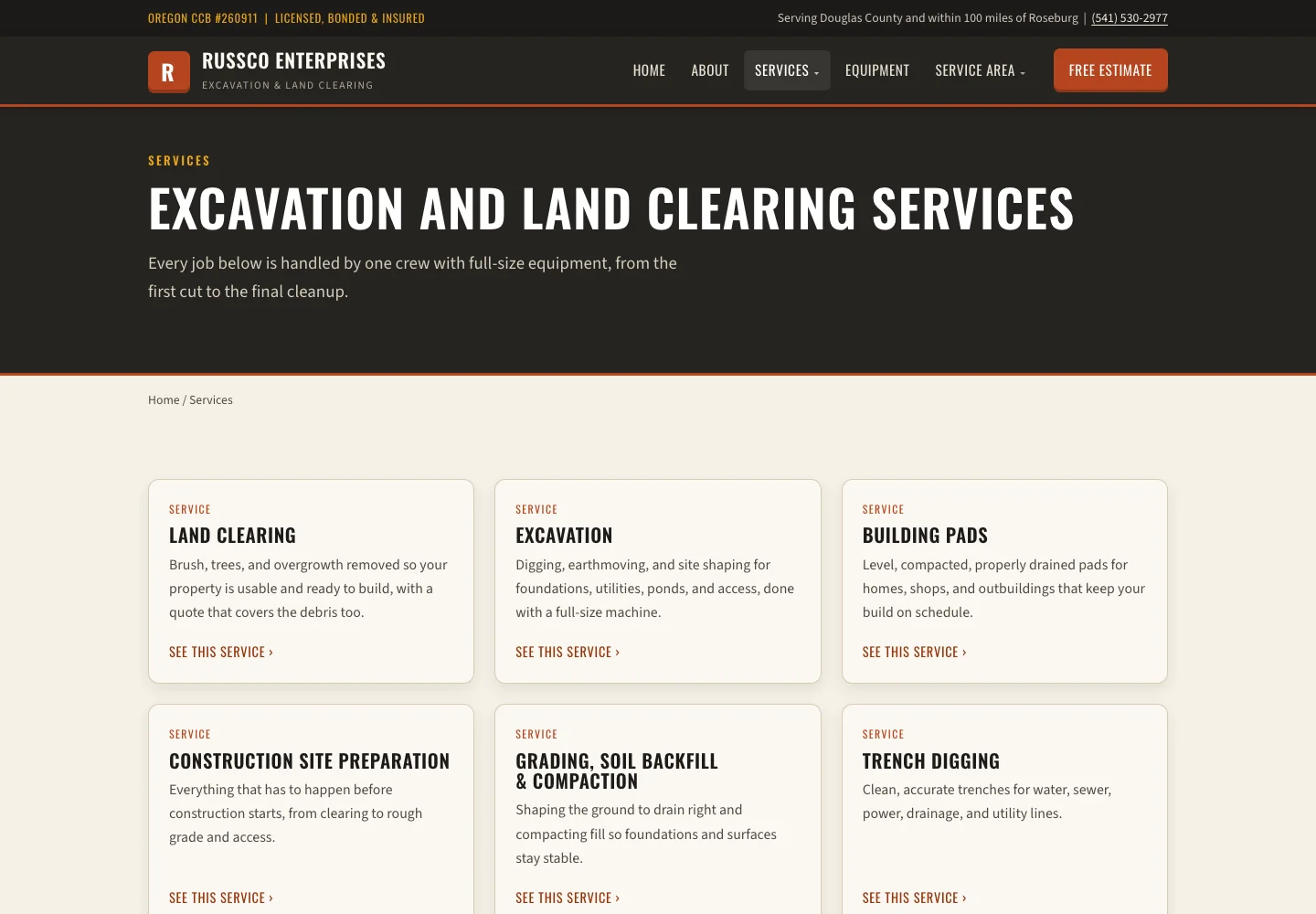
Look for the Information That Decides Fit
Read the page the way a new customer would. Is the scope clear? The service area? Are there examples of the work and any conditions they need to know? Fill in those gaps first, and then work on the button.
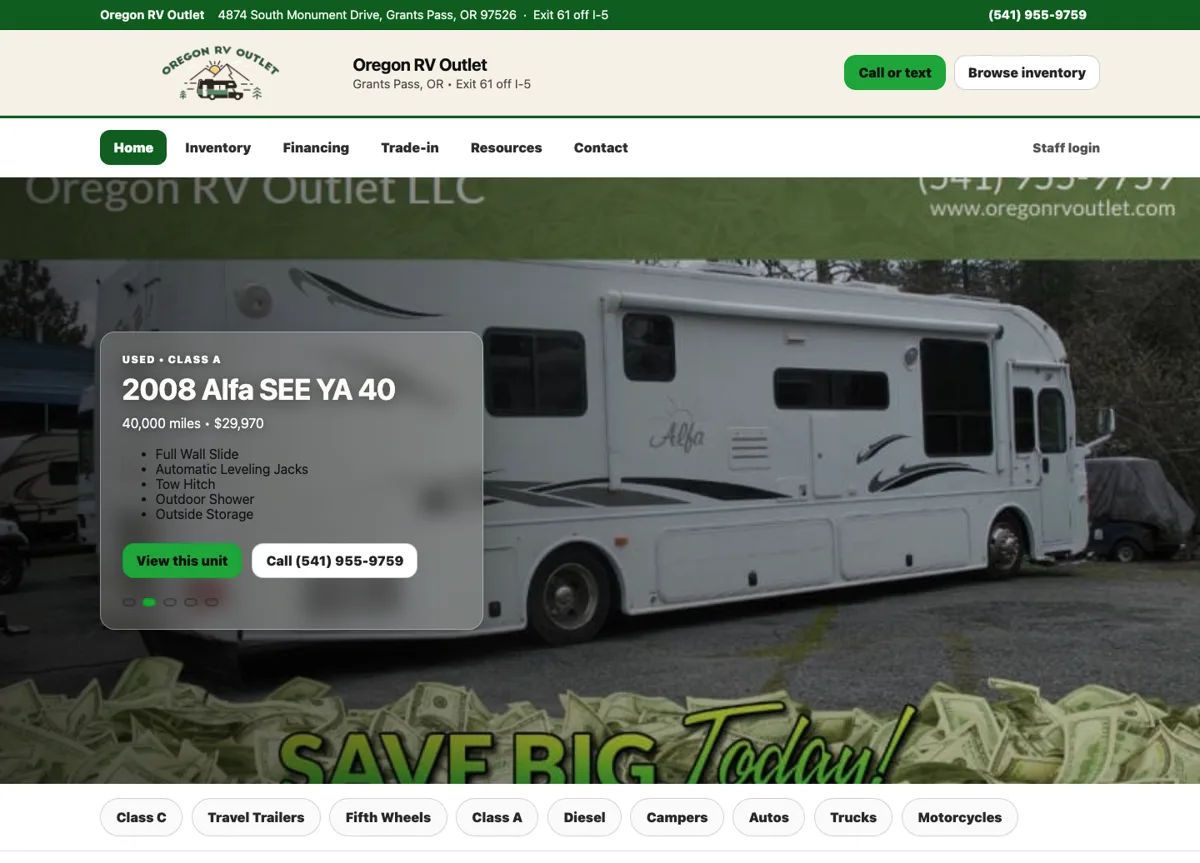
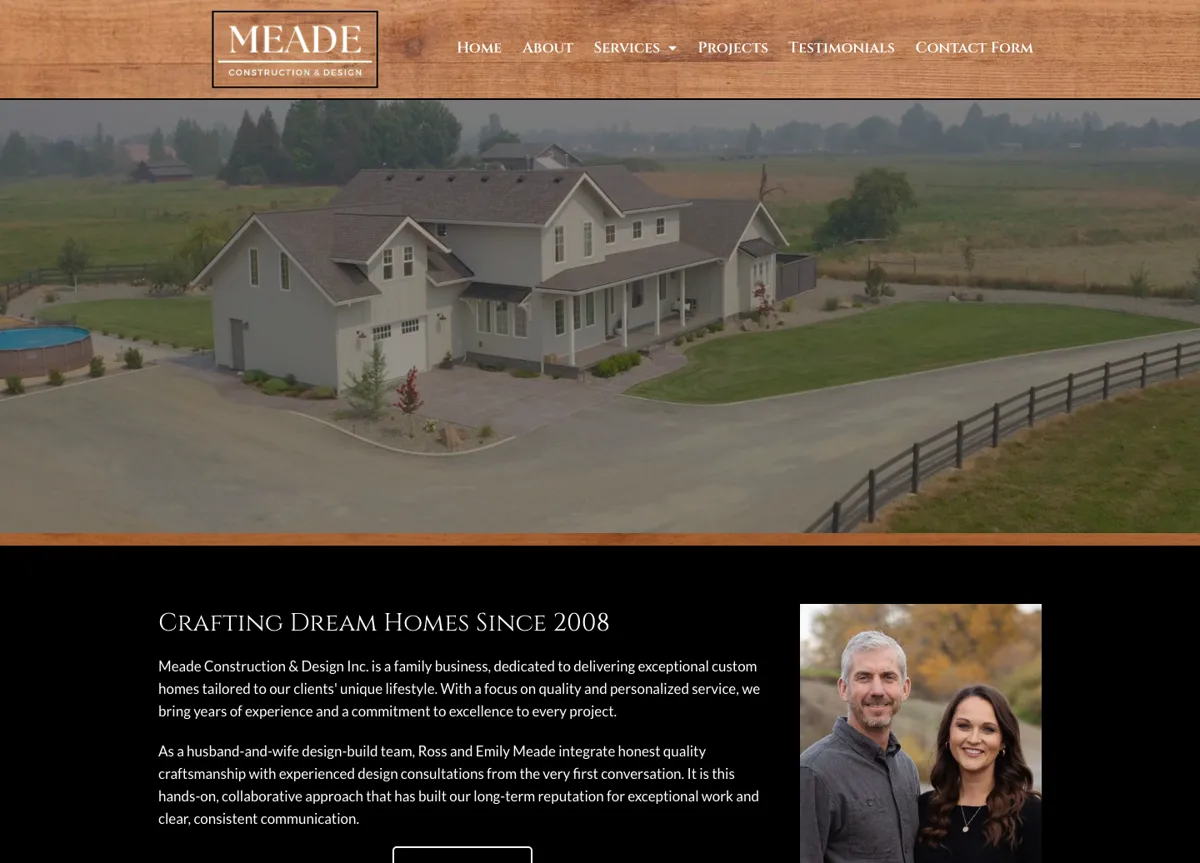
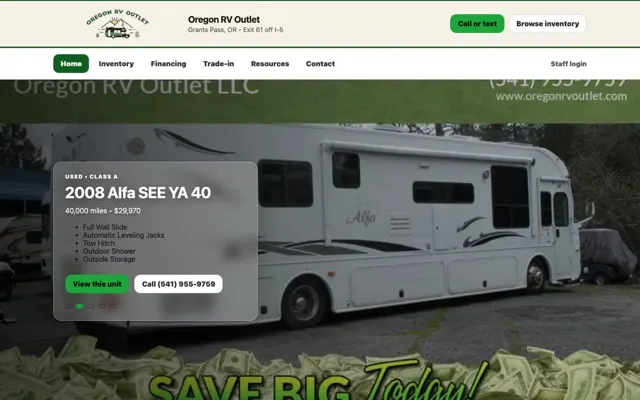
On the Oregon RV Outlet site, each listing gives shoppers the vehicle details right above the contact options. For Meade Construction & Design, home galleries and a team introduction help a future client understand the work before they reach out.
Follow the Contact Action
Does the form carry the details you need, and does it ask for a reasonable amount? Send a test and see what happens after you press submit. What lands in your inbox, and is it enough to call the person back?
Test a mistake too. Leave out a required field and check that the form tells you clearly what to fix and keeps the message you typed.
Russco in Google’s AI Overview
On September 16, 2026, we searched Google for “who does trench digging and land clearing in Roseburg Oregon.” Google’s AI Overview named Russco Enterprises, drawing on its homepage, its trench-digging service page and its Roseburg service-area page.
One dated search observation from Merlin, Oregon. AI answers vary by person, place and time. See the Russco Enterprises project
Measure the Stages Separately
Count visits, contact actions, inquiries received and later sales as separate numbers, each with its own definition. A visitor who arrives from an AI tool counts as a visit, and becomes a lead once they call or send the form.
Our measurement guide explains how to read those reports. When we build a website, we plan the content and the contact path together so each stage leads to the next.
Record Where a Test Visitor Gets Stuck
Give yourself a specific task, like “Ask whether this RV is available” or “Request an estimate for a building pad.” Open the page a customer would likely land on, using your phone. Write down the page, the information you needed, the next action and whether the inquiry that arrived had enough detail to answer.
A useful note says, “The inquiry arrived without the vehicle name, so staff had to ask which unit.” That points straight at a fix. A note like “the journey could be smoother” leaves you guessing. Both notes are examples written to show the difference.
Keep this exercise apart from your conversion reports. I think of it like a mechanic’s test drive: it finds a problem you can reproduce and fix, and your reports tell you how often customers run into it. Take one test drive on your own site this week, and if you’d like a second set of eyes on what you find, call me at (541) 226-8087.

I run Good Creations in Grants Pass. I work directly with business owners on website design, content, and search. My work includes service writing, inventory websites, and custom publishing tools.
Meet Bob