Carry the Page Context Into the Inquiry
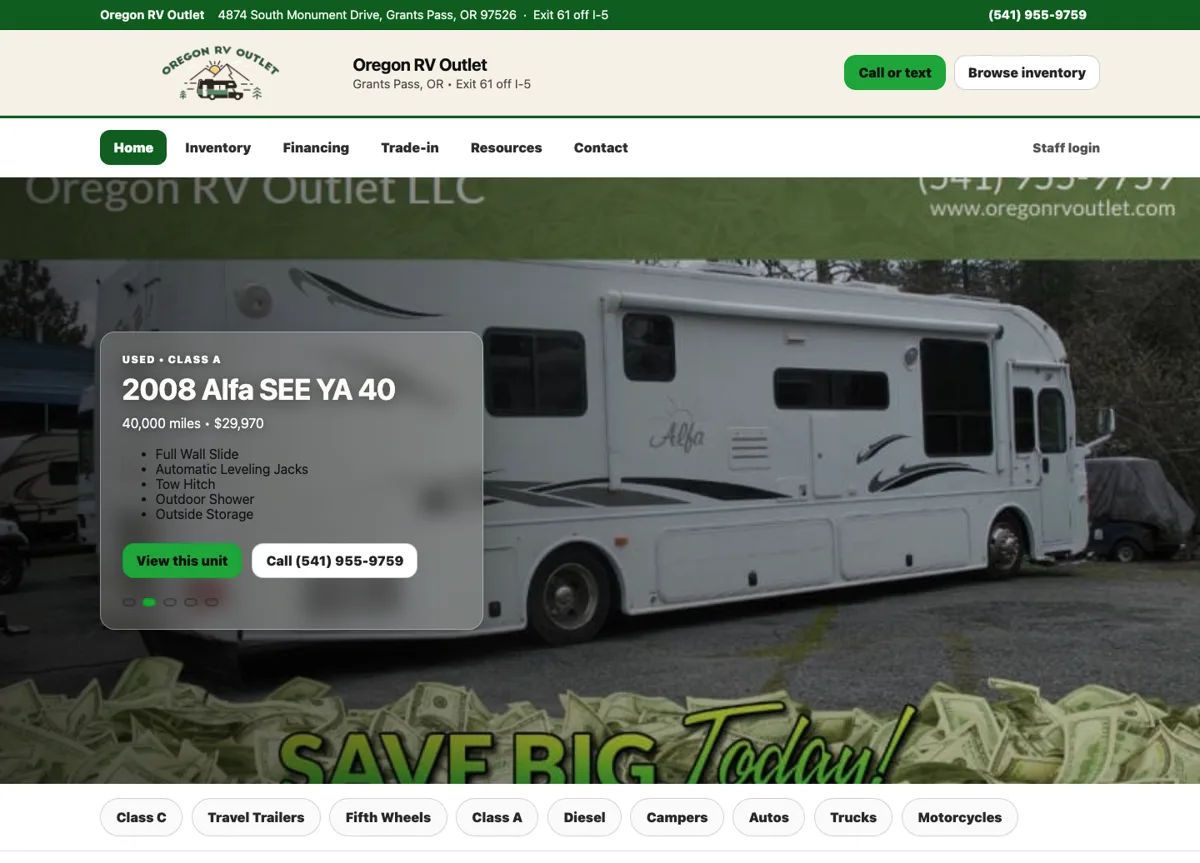
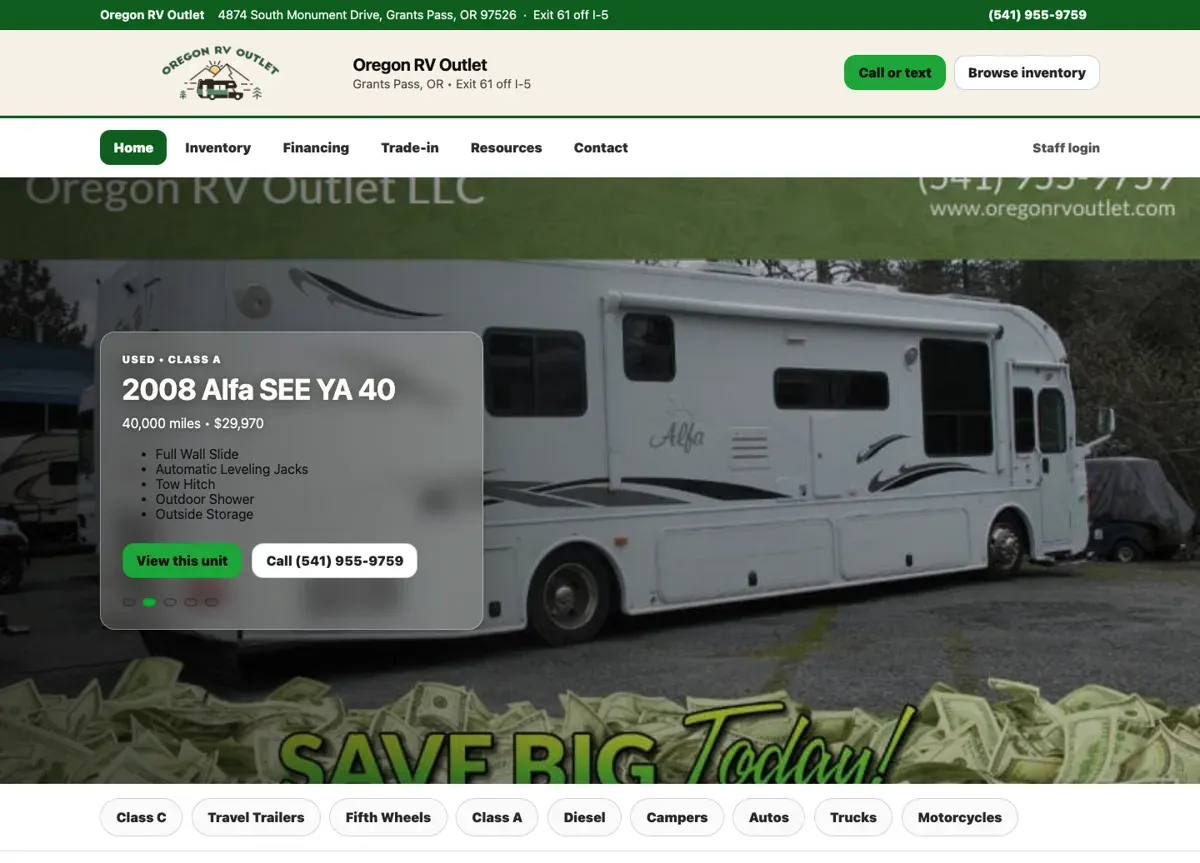
Our Oregon RV Outlet website lets shoppers ask about individual vehicles right from the listing. The listing and the contact form travel together, so the dealership knows which RV the person means from the first message.
The same idea works on other sites. An inquiry from a service page can name the service, and a request about a product can name the item. Plan and test these features for each project, because every site is built a little differently.
Pacific Charter Sends Visitors Straight to Booking
Pacific Charter Services runs fishing trips on the Oregon Coast. Every trip page leads to an online catalog where guests pick a date and book.
Google Analytics, August 20 to September 16, 2026, all traffic sources. Booking-page views count visits to the booking page, not completed reservations.
From reading to booking
A guest reading about halibut season is one click from choosing a date on the charter they want.
See the Pacific Charter project →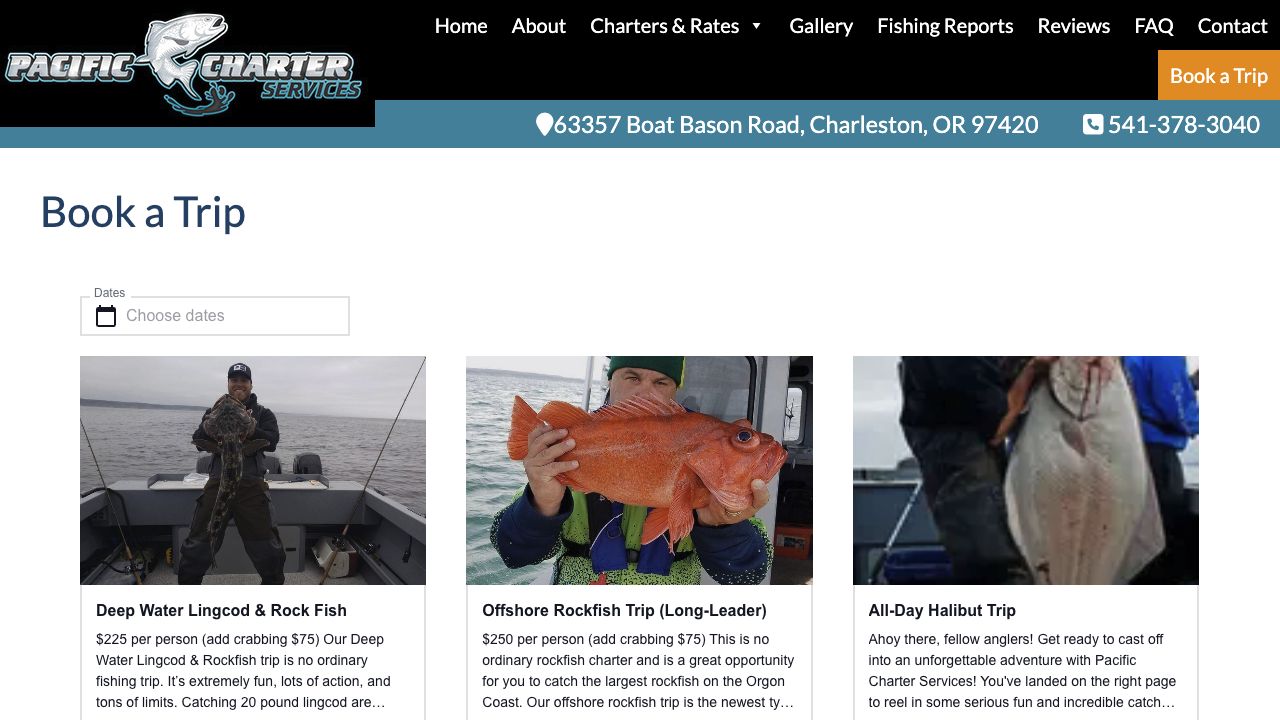
Ask for Enough to Respond
Name, contact details and the question are often enough for a first inquiry. Ask for a job location or product choice when it decides whether the business can help.
For each field, ask who will use the answer. If nobody needs it before replying, leave it out. If a customer might hesitate to share a detail, explain why you’re asking.
Confirm the Message Arrived
The process ends when the message reaches your team. Check the success message, the saved inquiry or delivery record and what your team receives. The confirmation should tell the customer what happened.
Test a missing field and a failed submission too. The customer should see what needs fixing and keep the message they typed.
Improve the Page Before Buying More Visits
More traffic sends more people to the same form, so make the form easy first. Look at the page visitors land on and the path to getting in touch. Our website design service plans the inquiry together with the content that leads to it.
Count completed inquiries and button clicks as separate numbers. Credit a form change with more sales only when you have evidence to back it up.
Oregon RV Outlet Turned Its Inventory Into Search Traffic
Every RV on Oregon RV Outlet’s lot has its own page with photos, specifications and a way to call or text about that unit. Those pages give Google something specific to show for each search a shopper makes.
August 13 to September 9, 2026. Clicks and impressions from Google Search Console; organic-search sessions from Google Analytics. These are different measures and are not added together.
One page for every unit on the lot
A shopper searching for a specific trailer can land on the page for that exact trailer, see the photos, and call about it.
See the Oregon RV Outlet project →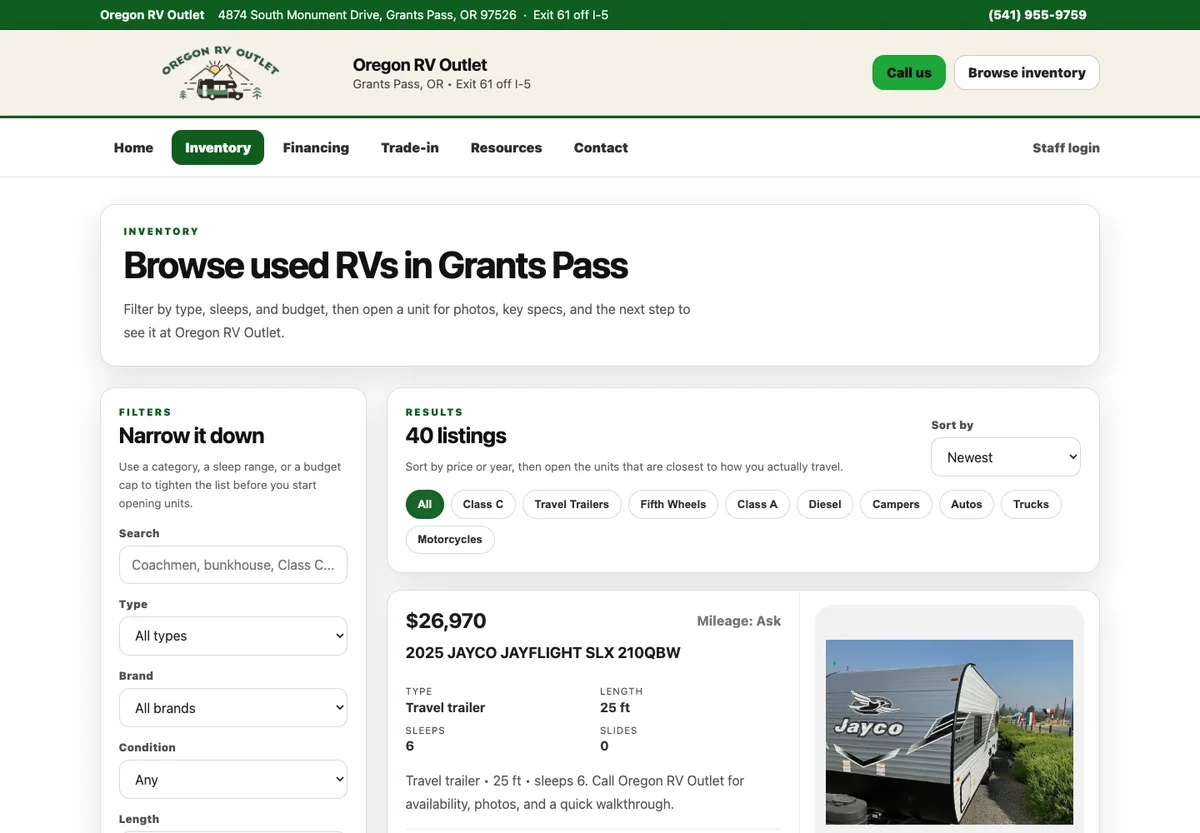
Write Down What Arrives With the Inquiry
For a vehicle inquiry, the dealer needs to know which RV it was, even if that RV sells the next day. A sensible list includes a stable vehicle ID, the listing title, the page URL, the customer’s question and the contact details they chose to share. Confirm the exact fields against how the site is built.
Then test three situations: sending an inquiry from a listing, opening the general contact page directly and returning to a vehicle that has sold. The first should keep the vehicle details. The second should work on its own. The third should tell the shopper the vehicle is no longer available.
These are checks to agree on before an inventory inquiry system goes live, and they apply to this kind of project. Take them with you when you commission the work, or call me at (541) 226-8087 and we can go through them for your site.

I run Good Creations in Grants Pass. I work directly with business owners on website design, content, and search. My work includes service writing, inventory websites, and custom publishing tools.
Meet Bob