Check the Business Profile and Website Together
Look over your business name, category, phone number, hours and location or service area in every profile you keep up, like your Google Business Profile. Then check that your website says the same thing.
Google says local results are based on relevance, distance and prominence. Distance depends on where your customer is standing, so put your effort into the other two, and keep your address or service area true to how you work.
Russco’s Service Pages Show Up for the Jobs People Search
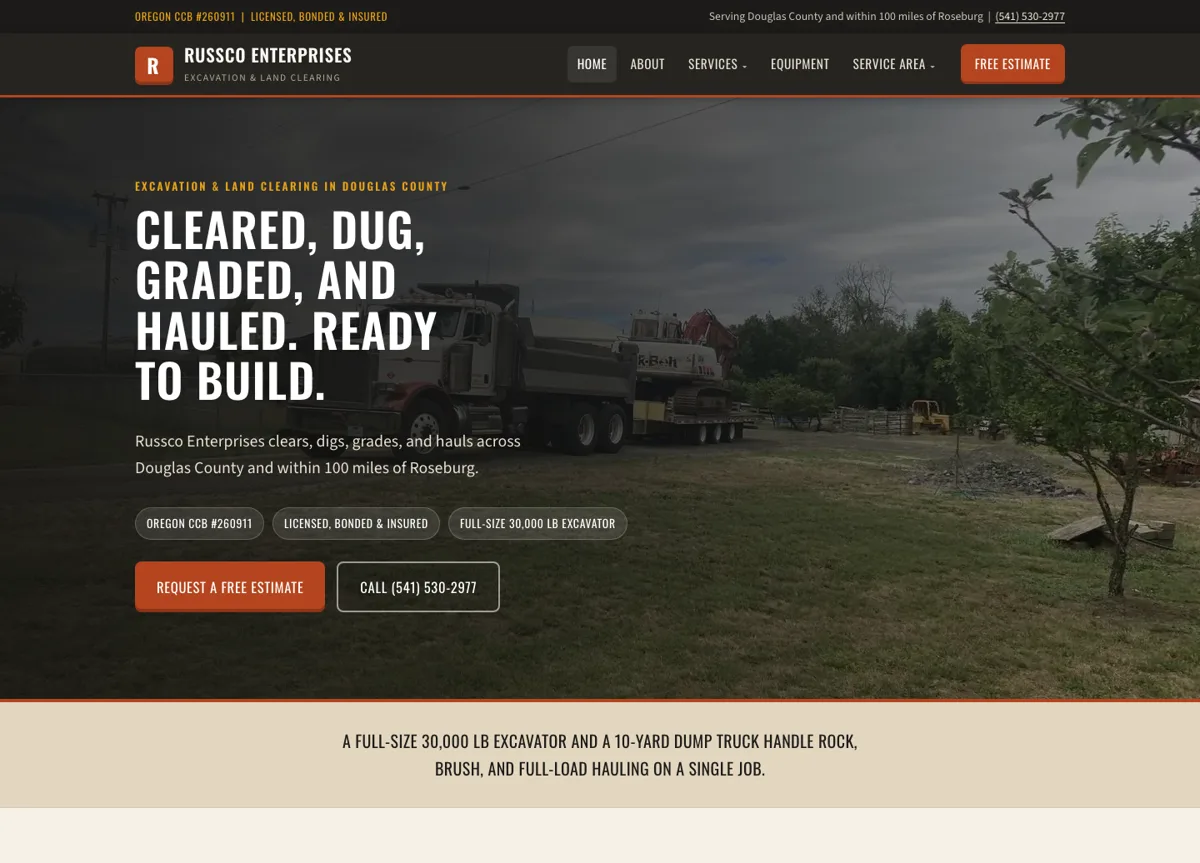
When we researched the excavation market in Douglas County, we built Russco Enterprises a separate page for each of its 12 services and 5 service areas. Search Console shows those individual pages appearing for the jobs people search for.
August 17 to September 13, 2026. Google Search Console web-search totals. Traffic is still modest; impressions count appearances in search results.
A page for every job
A property owner searching for trench digging lands on a page about trench digging, with the equipment, the factors that affect an estimate, and a way to request one.
See the Russco Enterprises project →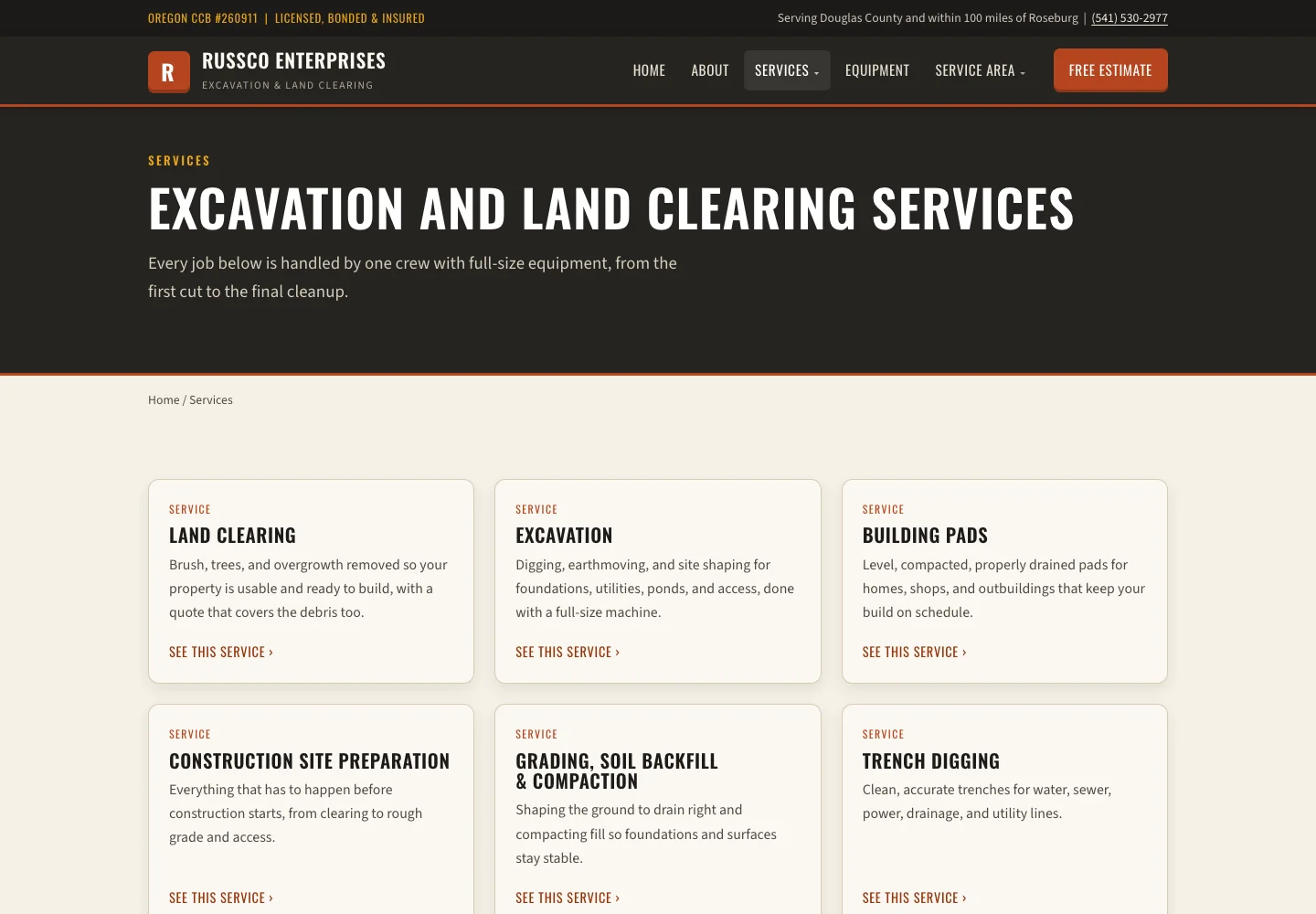
Give Each Important Service Its Own Explanation
Someone searching for a specific job should find that job on your site. Say you’re a Grants Pass roofer and a homeowner searches for gutter replacement. Your gutter page should explain what the job includes, any conditions, where you offer it and how to ask for a quote.
The Russco project pairs detailed service writing with photos of the real equipment and finished jobs, for a business working across Douglas County. That gives a visitor the details they need to pick up the phone.
Use Local Evidence Where It Belongs
A location page can show work done in that area and explain how you serve it. Be clear about whether it’s a physical office or an area you drive to.
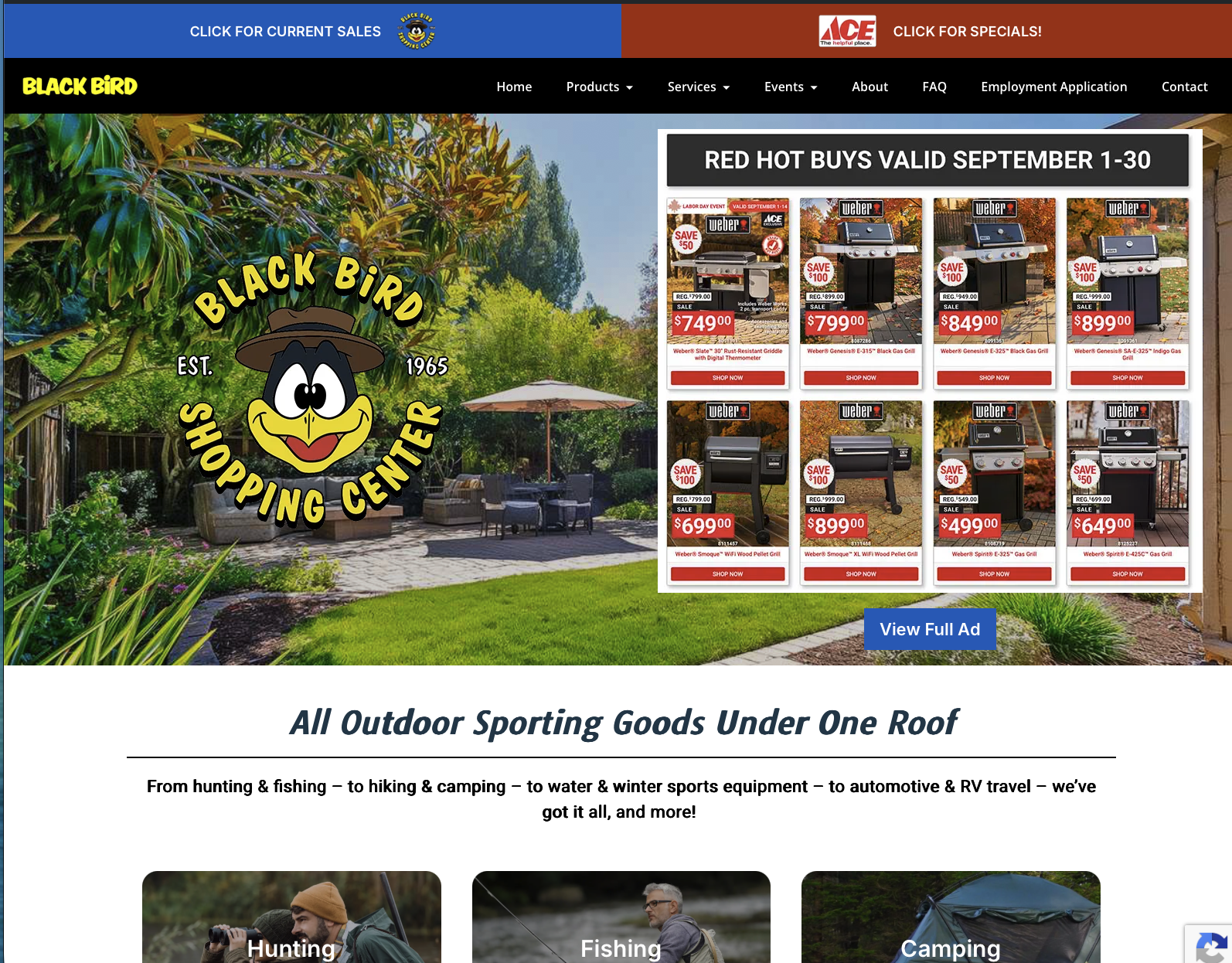
Our own Medford page links to The Black Bird project and says plainly that Good Creations is based in Grants Pass. Your location and your project examples should tell the same story.
Russco in Google’s AI Overview
On September 16, 2026, we searched Google for “who does trench digging and land clearing in Roseburg Oregon.” Google’s AI Overview named Russco Enterprises, drawing on its homepage, its trench-digging service page and its Roseburg service-area page.
One dated search observation from Merlin, Oregon. AI answers vary by person, place and time. See the Russco Enterprises project
Test the Contact Path
Open the service page on your phone, find the way to contact you and follow it through. When you test the form, confirm that the thank-you message matches an inquiry that landed in your inbox.
Ask your customers for reviews through a fair, simple process, like a text after the job is done, and keep every review and mention genuine. For help with the site itself, our SEO service covers the writing and technical work involved.
Choose the First Fix from the Customer’s Problem
Match the fix to the problem. Wrong hours or phone number: correct the source listing and make sure the website agrees. Missing service information: finish that service page. An unclear service area: list the towns you serve and show jobs from there. A broken inquiry form: repair it and test that messages arrive.
Each problem needs its own kind of work. It’s like taking your truck to the shop: a dead battery gets a new battery. A wrong phone number gets corrected at the source, and a question about a particular job gets answered on that job’s page.
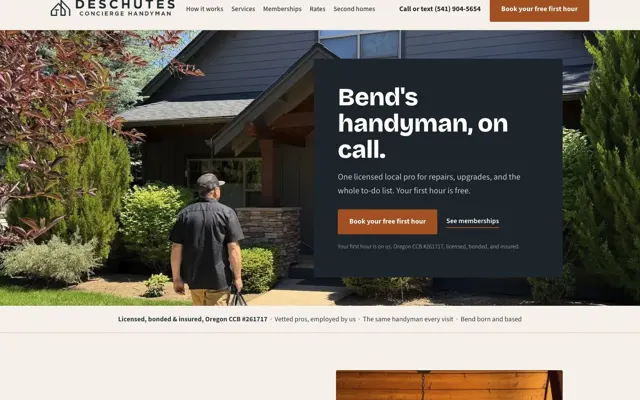
For Good Creations, a Medford visitor can see The Black Bird project and a Douglas County visitor can see Russco. Those are examples of our work in each area, and our office is here in Grants Pass. The location page guide explains when a separate page earns its place. Start with the one problem on your list that costs you the most calls, and fix that first.

I run Good Creations in Grants Pass. I work directly with business owners on website design, content, and search. My work includes service writing, inventory websites, and custom publishing tools.
Meet Bob