For a Branch Office, Explain That Branch
A branch page can list its own address, opening hours, contact information, staff, services and directions. Check which details differ before you copy the main business page.
If two branches offer different services or book appointments differently, say so. A customer choosing a location needs that information first, ahead of another paragraph about company values.
Russco’s Service Pages Show Up for the Jobs People Search
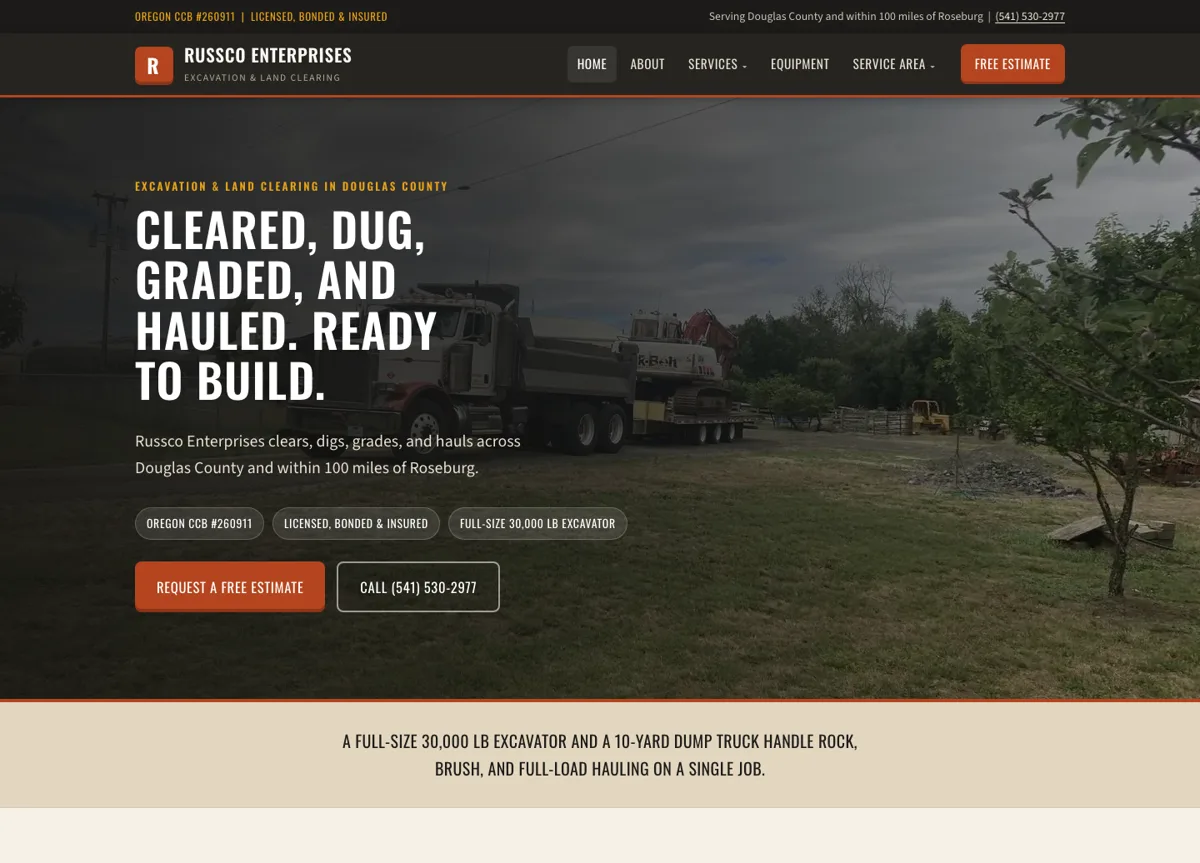
When we researched the excavation market in Douglas County, we built Russco Enterprises a separate page for each of its 12 services and 5 service areas. Search Console shows those individual pages appearing for the jobs people search for.
August 17 to September 13, 2026. Google Search Console web-search totals. Traffic is still modest; impressions count appearances in search results.
A page for every job
A property owner searching for trench digging lands on a page about trench digging, with the equipment, the factors that affect an estimate, and a way to request one.
See the Russco Enterprises project →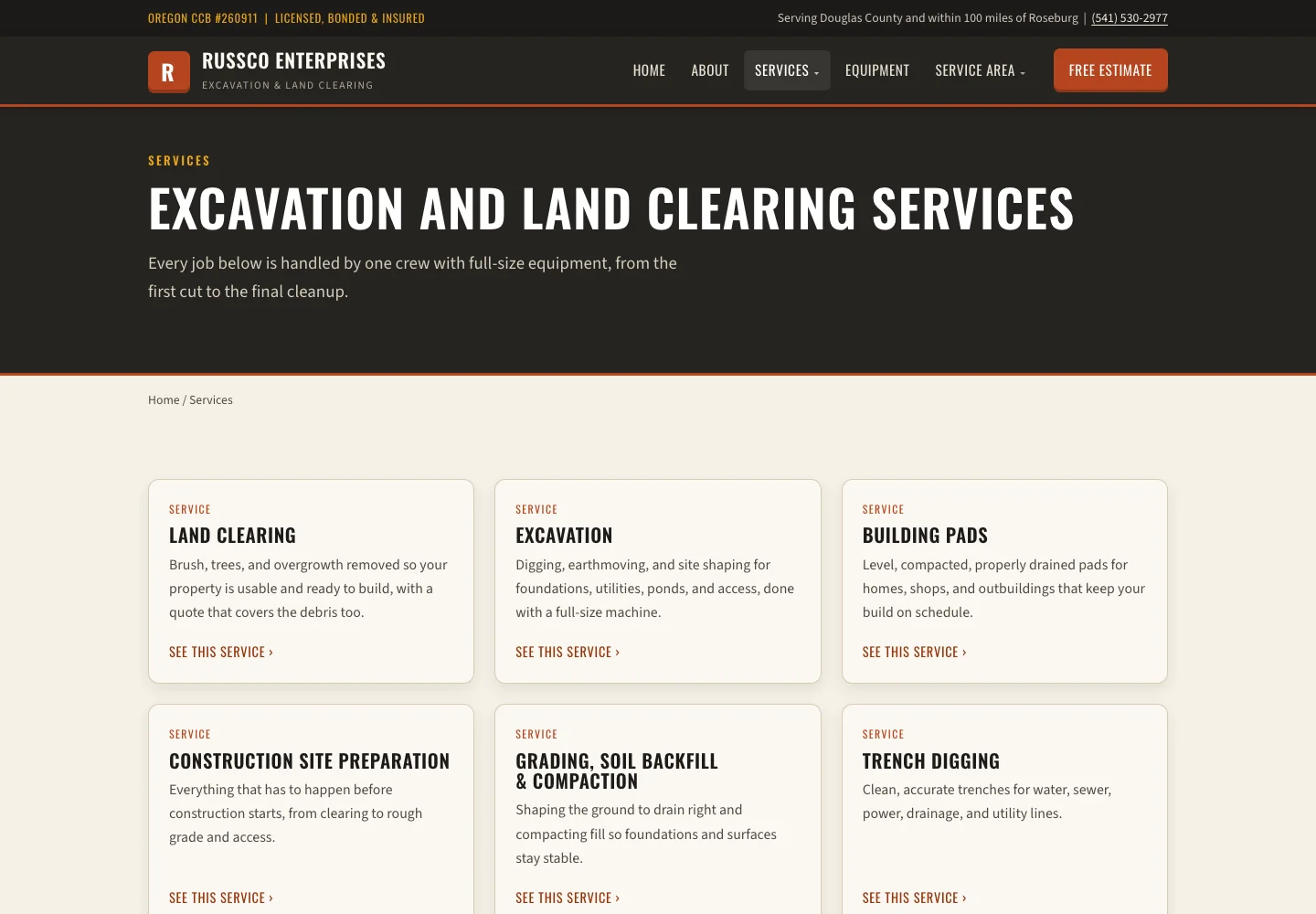
For a Service Area, Explain the Coverage
A service-area page should say where your team is based and where it works. Include jobs or operating details you can back up. List only the address of the office you have, and describe the other towns as places you serve.
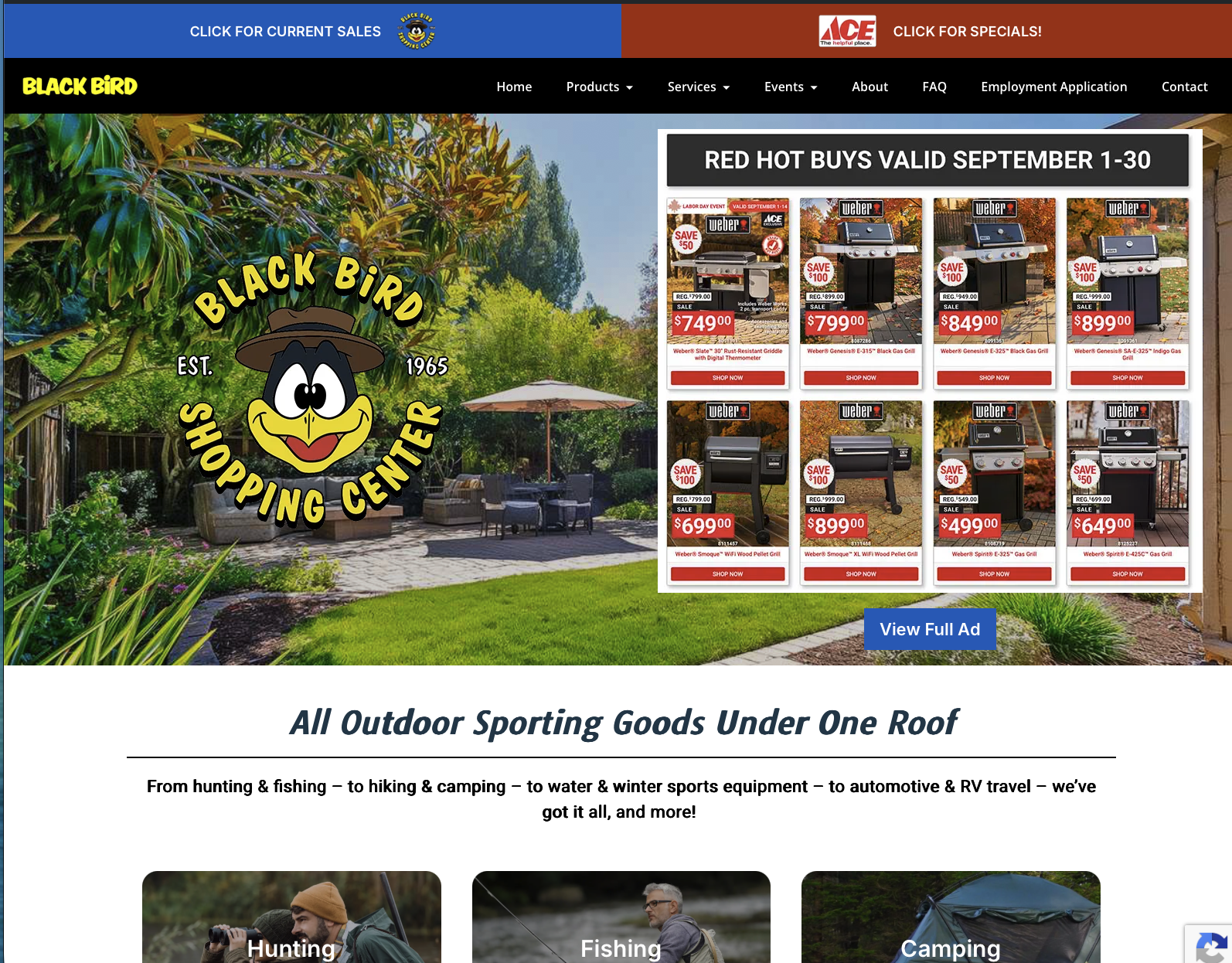
Good Creations is based in Grants Pass. Our Medford page points to our work for The Black Bird, and our Douglas County page points to our work for Russco. Those pages describe real work and the areas we cover, and our office stays in Grants Pass.
Check Search Data Before Assuming Pages Compete
Two pages that mention the same service can both be doing their jobs. Look at the search terms and landing pages in Search Console: which page shows up, for which question, and whether it answers that question well.
If two pages answer the same question with nearly the same information, consider combining them. Keep the useful content, redirect the retired address to the closest replacement and update your links. If the pages serve different customer decisions, make those differences easier to see.
Russco in Google’s AI Overview
On September 16, 2026, we searched Google for “who does trench digging and land clearing in Roseburg Oregon.” Google’s AI Overview named Russco Enterprises, drawing on its homepage, its trench-digging service page and its Roseburg service-area page.
One dated search observation from Merlin, Oregon. AI answers vary by person, place and time. See the Russco Enterprises project
A Quick Location Page Check
- Is the office or service-area description accurate?
- Are hours and contact details specific where they need to be?
- Is there local work, or a real difference in how this location operates, to explain?
- Does the page link to the relevant service and project?
If only the town name changes from page to page, ask whether a separate page gives the visitor anything new.
Compare Two Location Page Briefs
Two storefronts: publish each store’s address, hours, phone number, accessibility information and services. Link the two pages together so someone who picked the farther store can find the closer one.
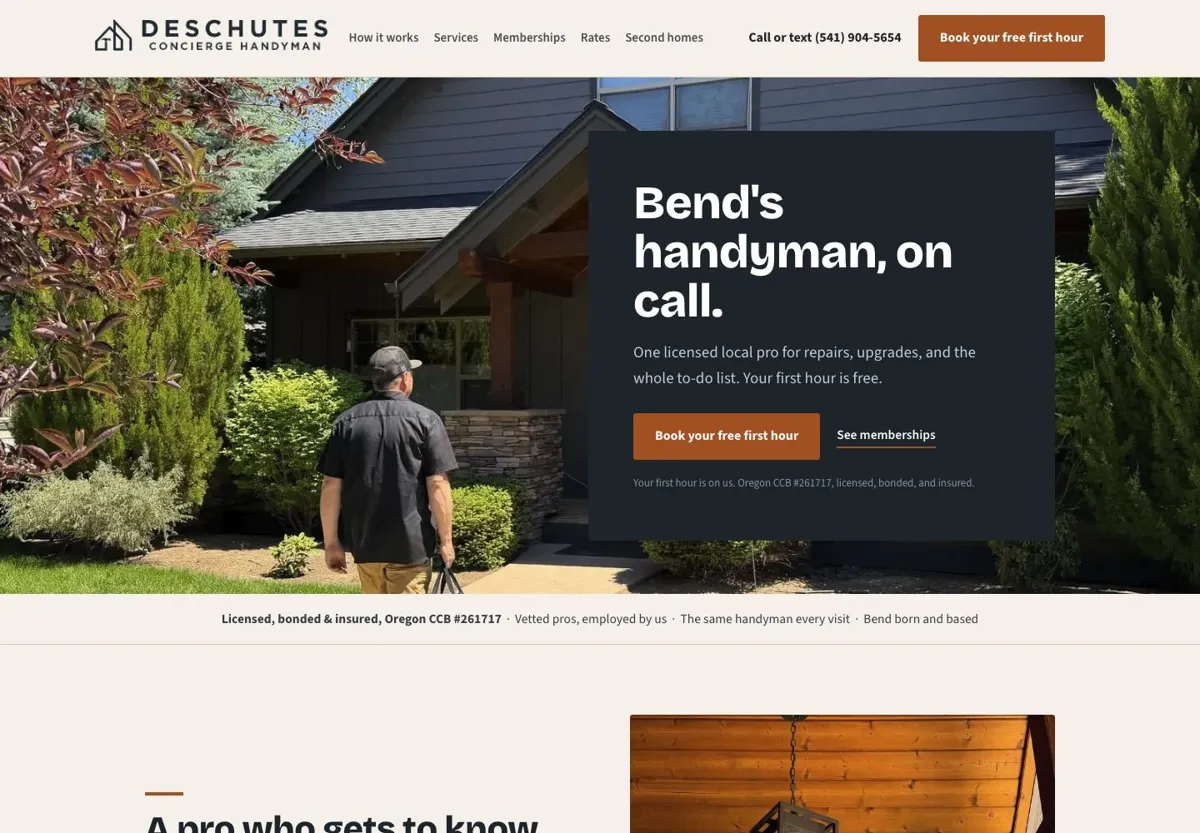
One contractor serving two towns: say you run a heating and cooling company based in Grants Pass that also works in Medford. Keep your Grants Pass base clear, explain which work you do in Medford, show completed projects there when you have them and state any travel or scheduling limits. Use only staff, reviews and details that are true for that town.
Before adding another town, finish this sentence: “Someone hiring us here needs to know…” If the answer is the same everywhere, one clear coverage section listing every town you serve will do the job. See our location pages for how we connect service areas to project evidence, or call me at (541) 226-8087 to talk through your own locations.

I run Good Creations in Grants Pass. I work directly with business owners on website design, content, and search. My work includes service writing, inventory websites, and custom publishing tools.
Meet Bob