Keep the Recurring Page and Update the Changing Facts
A repeating event or seasonal service often deserves a page that stays put year after year. Before you promote it again, review the date, hours, availability, instructions and contact path. Take down any offer that has expired.
Keep past reports and photos when they serve a purpose, and label the year on them. Visitors should be able to tell at a glance whether a price, schedule or registration instruction is current.
Pacific Charter Sends Visitors Straight to Booking
Pacific Charter Services runs fishing trips on the Oregon Coast. Every trip page leads to an online catalog where guests pick a date and book.
Google Analytics, August 20 to September 16, 2026, all traffic sources. Booking-page views count visits to the booking page, not completed reservations.
From reading to booking
A guest reading about halibut season is one click from choosing a date on the charter they want.
See the Pacific Charter project →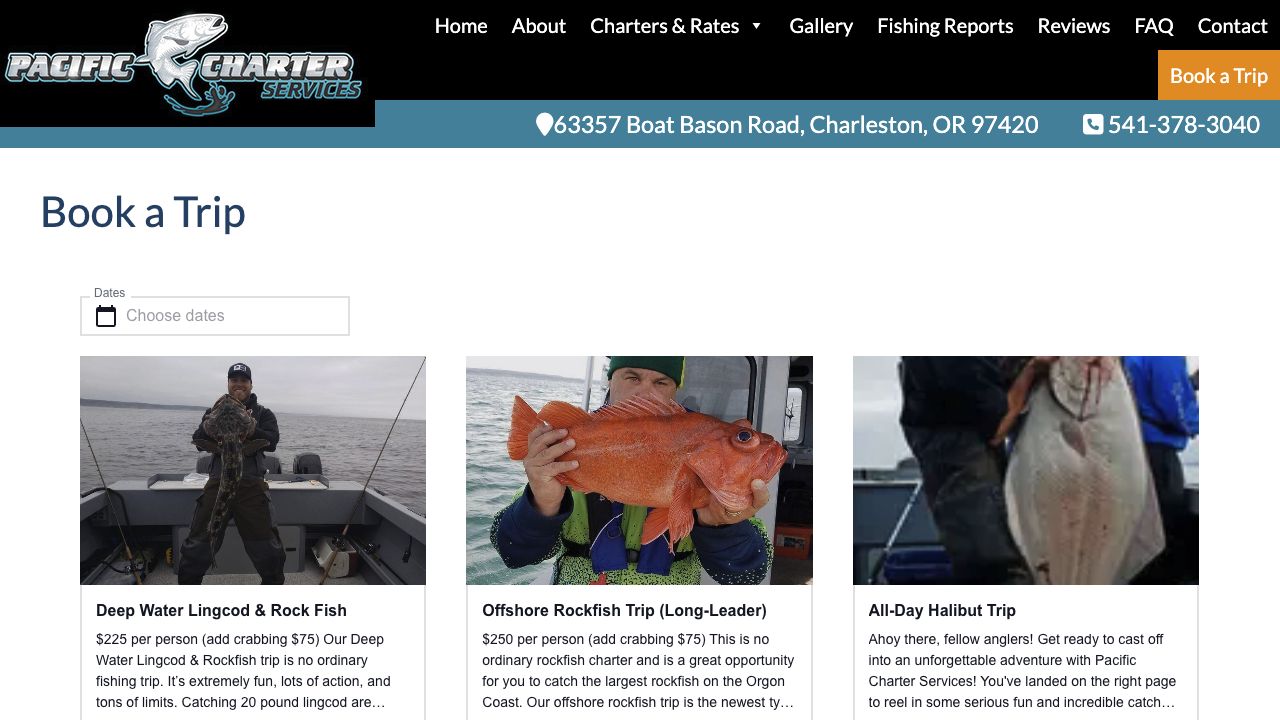
Make Promotions Agree Across Channels
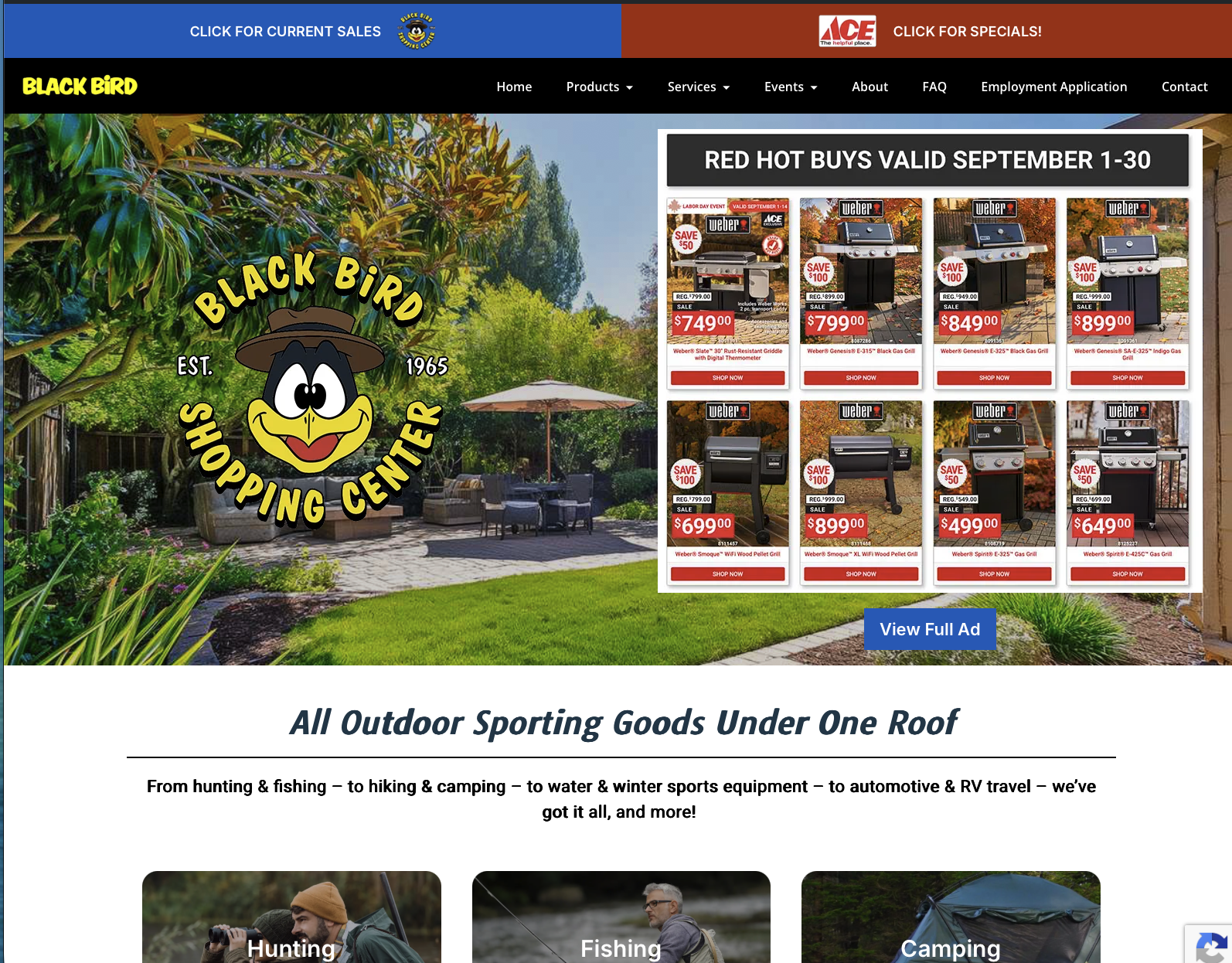
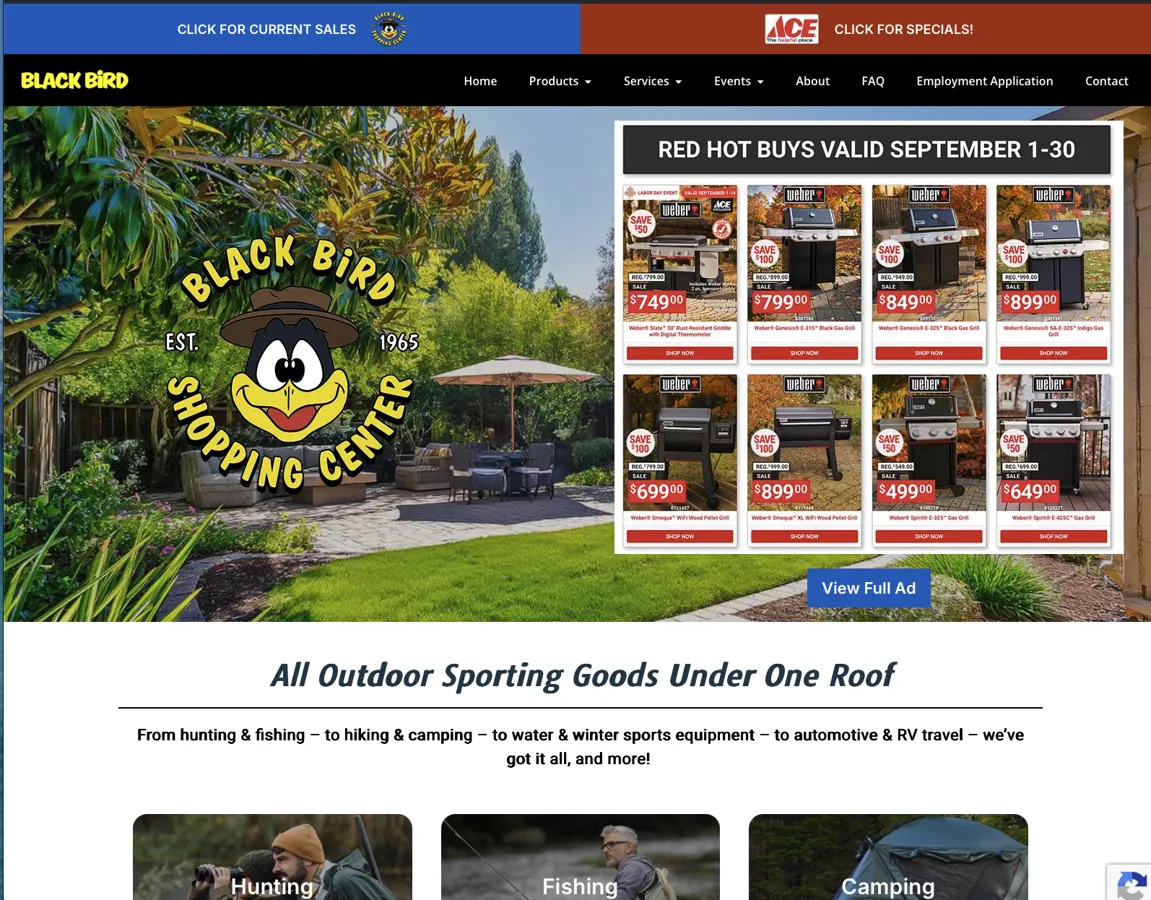
The Black Bird uses its website for sales, departments and events, and it sends newsletters too. That gives a seasonal message several places where it has to say the same thing.
For your own promotion, check that the email subject, the page it links to, the dates and the action you ask for all match. If an email promotes an event, link straight to the event information so the customer lands on it in one click.
Decide What Happens When the Event Ends
Swap the booking or registration instruction for the current status. If the page still helps visitors, keep the useful details and say what happens next. If you’re replacing it, send old links to the closest related page.
Send each retired page to the page that matches it best. Someone following a saved event link should land somewhere that clearly picks up where they left off.
Compare Matching Periods
Seasonal traffic rises and falls with the calendar, whatever you do to the website. Write down what you changed, then compare this July with last July. Keep campaign visits, inquiries and completed bookings as separate numbers.
Our website support can include content updates and publishing tools, so each of these changes has an owner and a routine you repeat every season.
Oregon RV Outlet Turned Its Inventory Into Search Traffic
Every RV on Oregon RV Outlet’s lot has its own page with photos, specifications and a way to call or text about that unit. Those pages give Google something specific to show for each search a shopper makes.
August 13 to September 9, 2026. Clicks and impressions from Google Search Console; organic-search sessions from Google Analytics. These are different measures and are not added together.
One page for every unit on the lot
A shopper searching for a specific trailer can land on the page for that exact trailer, see the photos, and call about it.
See the Oregon RV Outlet project →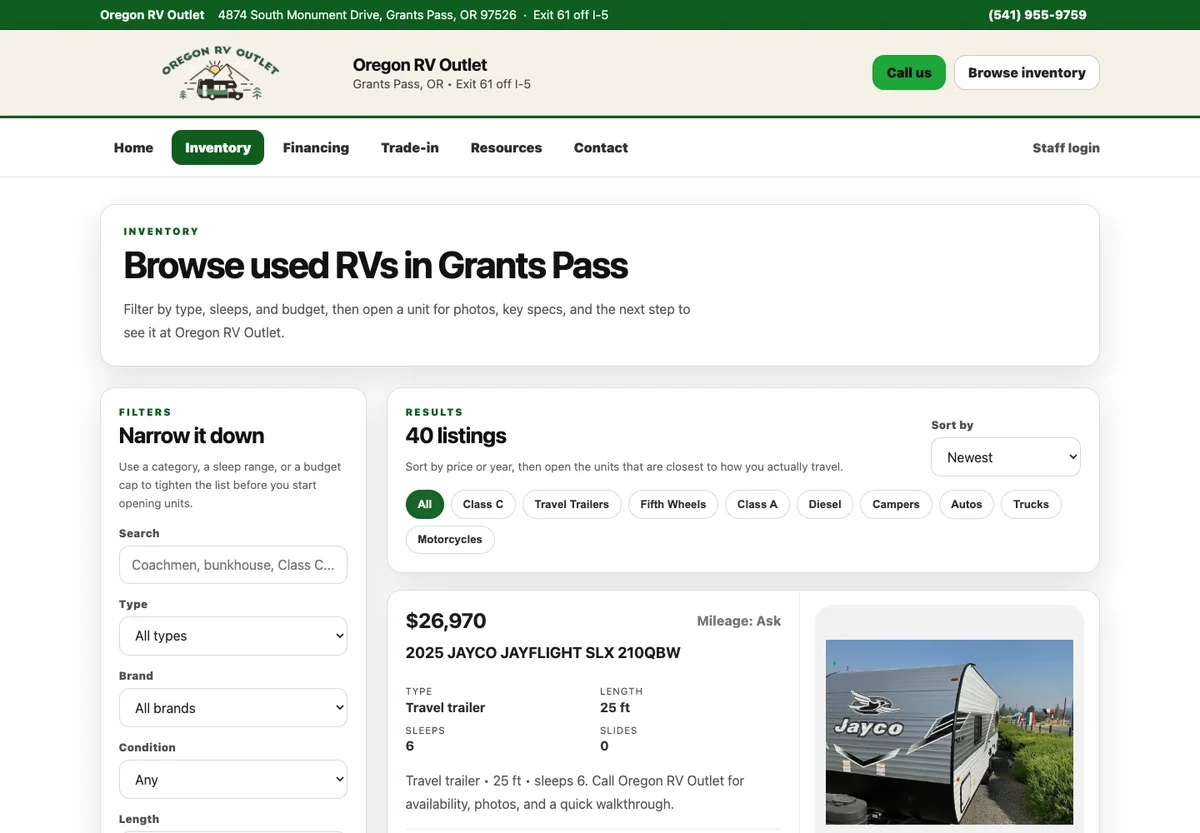
How to Close This Year’s Event Page
Say a store runs an annual fishing event. After registration closes, the page should say so, keep the event date and tell participants where to find the results. Take down the registration instruction. If next year’s date is undecided, say that plainly and remove the “Register” button.
An overview of the recurring event and a dated results page each have their own job. Keep the overview current and keep last year’s results clearly dated. A newsletter sent months ago can still bring readers to either page, so test those old links before you replace or delete anything.
This is an example workflow. The Black Bird’s website and event software show why event information matters to a retailer, and the exact update schedule follows the store’s own approved dates. Before your next season starts, set aside an hour to walk through your seasonal pages and old email links, and update anything that has gone stale.

I run Good Creations in Grants Pass. I work directly with business owners on website design, content, and search. My work includes service writing, inventory websites, and custom publishing tools.
Meet Bob