Describe the Situation Precisely
Pick one decision per guide. A guide to your whole product range tends to turn into a feature list, and a focused guide can explain which differences matter for one particular use. Think of the clerk at a hardware store who asks what you’re fixing before pointing you to an aisle.
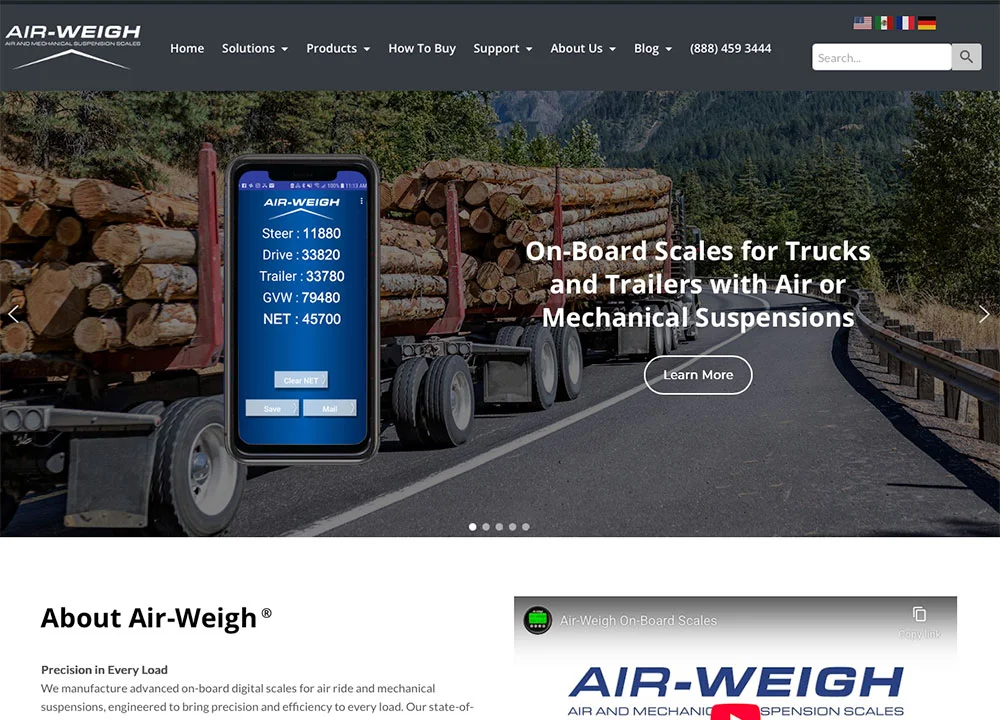
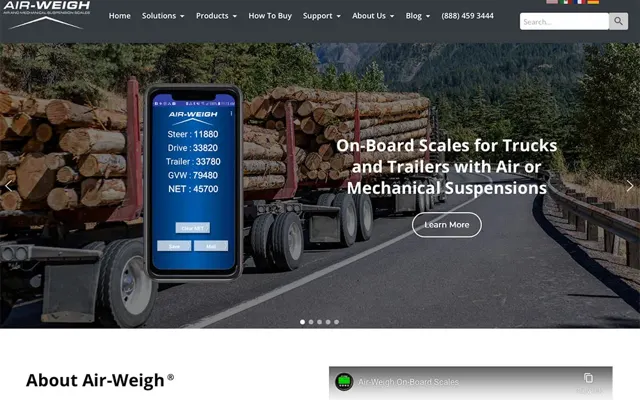
Our Air-Weigh work includes scale selection guidance for truck and trailer buyers. The most useful subject there is how the equipment fits the operation: the truck, the trailer and the way the owner hauls.
Gresham RV Sales Keeps Every Listing Fast
Gresham RV Sales updates its own inventory with tools we built for its staff, and the pages stay quick on a phone as units come and go.
Google Analytics and Search Console, August 17 to September 13, 2026. PageSpeed Insights homepage test September 16, 2026: 93 mobile, 99 desktop, and 100 for accessibility, best practices and SEO on both devices.
Built for the way the lot changes
Staff add a unit, choose the featured photo, drag the gallery into order and publish the listing.
See the Gresham RV Sales project →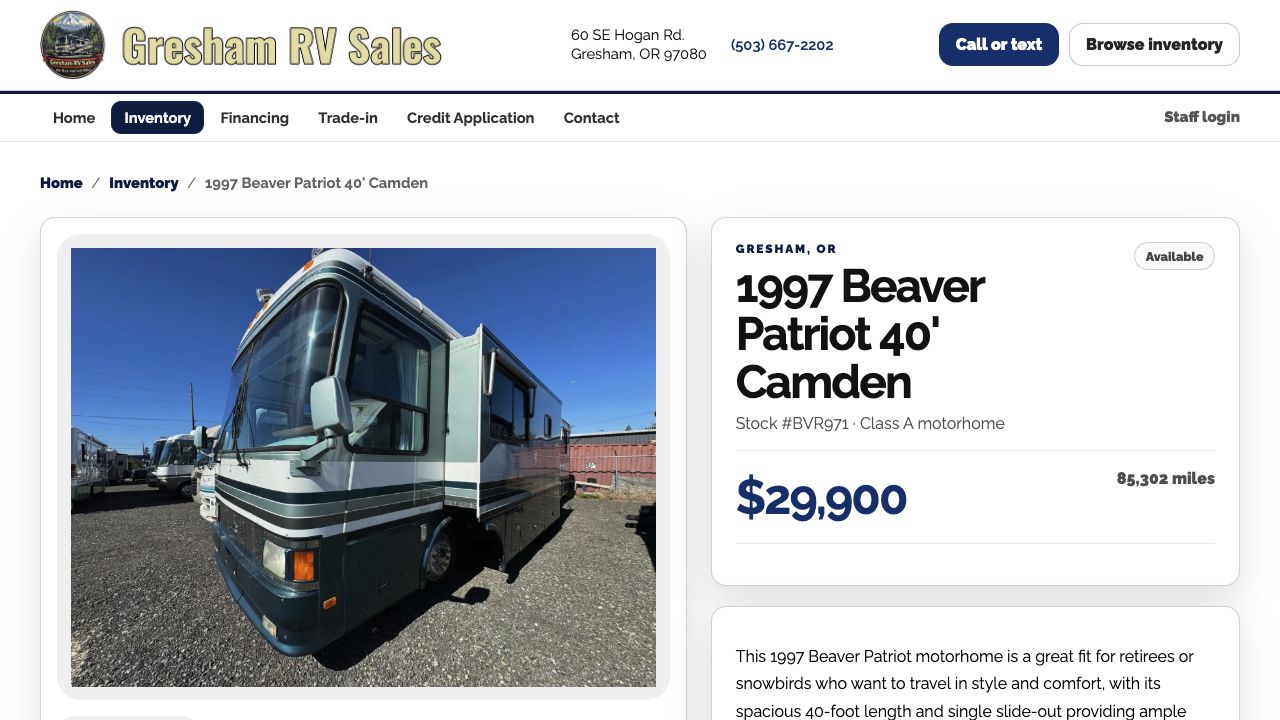
Compare the Criteria That Change the Choice
List the checked criteria that change the choice: what it’s used for, what it works with, dimensions, what’s in the box and what it needs to run. Have someone qualified check the technical details.
If the answer depends on information you don’t have, tell the customer what to send you. Say you run a small online store selling baking equipment, and a Grants Pass bakery asks which mixer fits their shop. Ask for their batch size and counter space, and you can point them to the right model.
Keep Limitations Beside Benefits
When a product doesn’t suit a use, say so right next to the recommendation, where the reader will see it. A diagram, a photo or a worked comparison can make the difference easy to understand.
Label hypothetical examples as examples. Share customer stories that happened, with the customer’s permission, and present a manufacturer’s general statement as the manufacturer’s words.
Connect the Guide to the Catalog
Link to the product or category right where the choice becomes clear. The product page needs its own complete buying information too.
When we work on an online store, we plan the ecommerce design and the product copywriting together, so the guide and the catalog support each other. Keep an eye on the questions customers ask after reading the guide. They show you which differences it still needs to explain.
Most of The Black Bird’s Visitors Come From Search
The Black Bird’s department pages, weekly sales and event pages give local shoppers something to find on Google every week of the year.
Google Search Console and Analytics via Site Kit, August 19 to September 15, 2026; rounded dashboard values. Site-wide activity, not sales.
Departments people search for
Anglers searching for gear in Medford land on the fishing department, with the current promotions right there.
See The Black Bird project →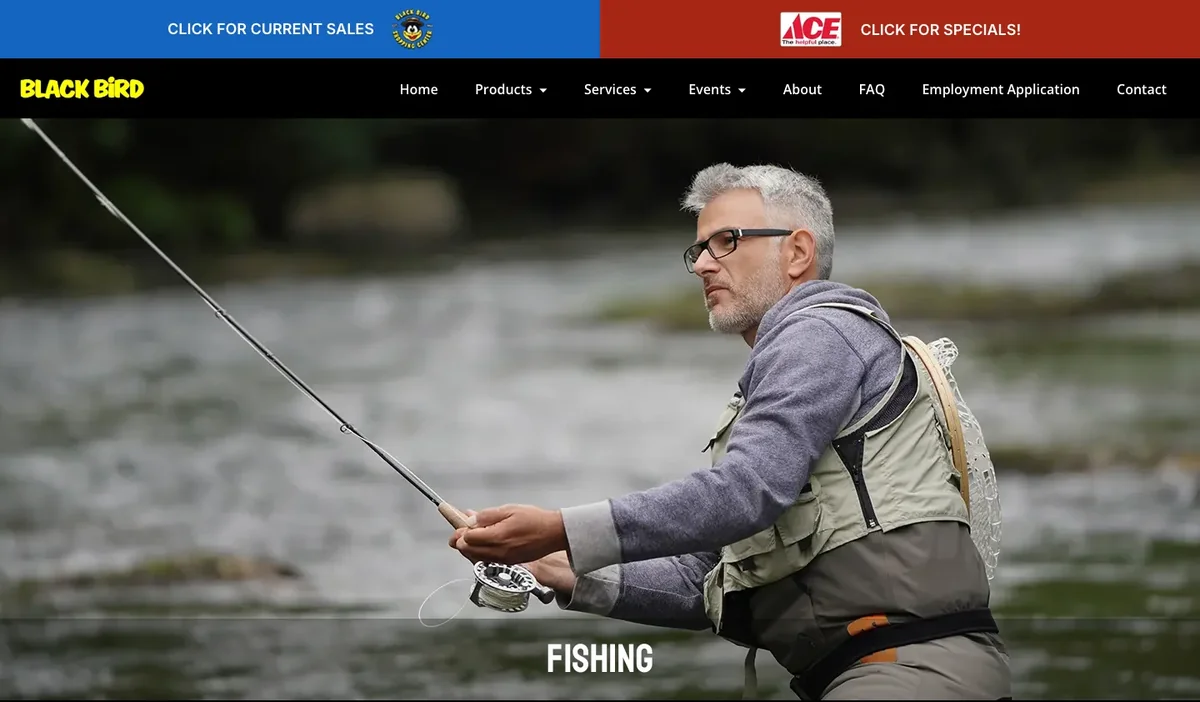
Outline a Comparison Before Choosing Products
Use the customer’s decision as the heading, like “Which mixer fits a small bakery.” Then list the criteria that change the choice: intended use, compatibility, required accessories, installation, maintenance and support. Confirm which of those apply to your products.
For each criterion, write what it means for the customer in everyday words. “Requires this attachment” helps once the customer can tell what the attachment is and whether it comes in the box. “Suitable for professional use” needs a sentence on the conditions it covers.
Link the guide to the specific products or specs you compared, and review it whenever you replace a product. Keep an older guide up when it still helps people who own that model, and mark discontinued models clearly. Pick the question your customers ask most often and make that your first guide.

I run Good Creations in Grants Pass. I work directly with business owners on website design, content, and search. My work includes service writing, inventory websites, and custom publishing tools.
Meet Bob