Save Enough Context to Investigate
Record the AI tool, the date, your exact question, the answer and any links it cited. If your location or account might have shaped the answer, note that too. Copy the answer word for word or take a screenshot, so you can repeat the test later.
A later answer may be different. Keep both records side by side, with their dates, so you can see what changed and when.
Air-Weigh’s Guides Bring In 41% of Its Google Clicks
Air-Weigh makes on-board scales for trucks. Its website has a detailed weight-law guide for each state, answering the question a fleet manager or driver types into Google.
August 17 to September 13, 2026. Google Search Console clicks and impressions; AI-assistant sessions from Google Analytics (75 attributed to ChatGPT). Site-wide activity, not sales.
Answer the exact question
The California and Texas guides each run about 900 words, and they rank for questions as specific as the bridge-law chart for Montana.
See the Air-Weigh project →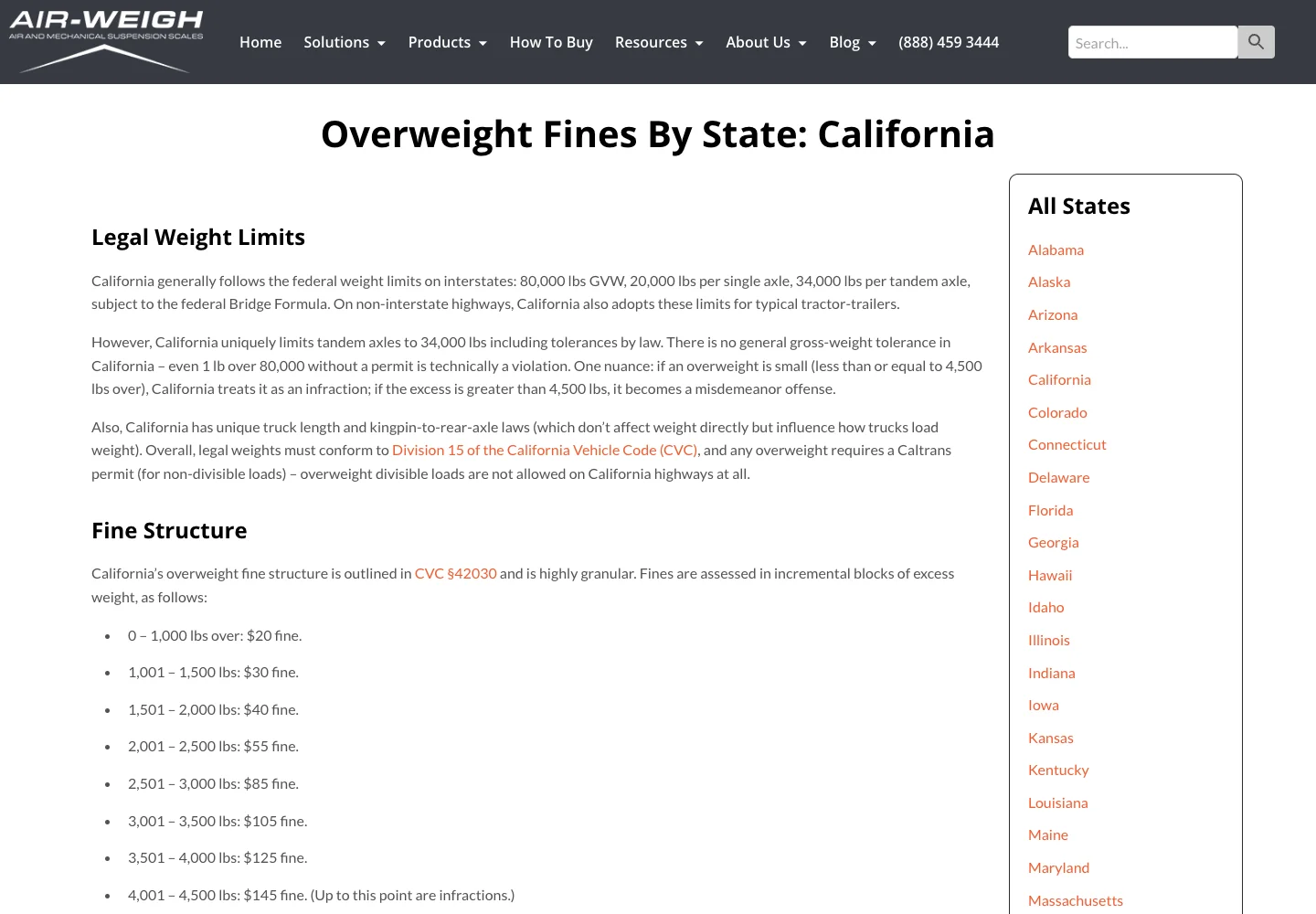
Check the Cited Page and Your Own Records
If the answer names a source, open it and see whether the wrong fact is there. It’s like hearing that a customer was quoted the wrong price: first you find out who said it and where. Then compare your website and the business profiles you keep up with your checked business information.
Your business fact sheet settles which version is correct. Fix the sources you control. When an outside site has it wrong, use that site’s normal process for requesting a correction.
Keep Accurate Facts Exactly as They Are
An AI tool can leave a business out even when its website is open and accurate. When that happens, keep your facts as they are. List the offices and credentials you have, and say each thing once.
OpenAI publishes the crawler settings for ChatGPT search. Access is worth checking when an answer looks out of date. Allowing the crawler lets ChatGPT read your site, and ChatGPT decides what to include. Read our access guide before you change any settings.
Russco in Google’s AI Overview
On September 16, 2026, we searched Google for “who does trench digging and land clearing in Roseburg Oregon.” Google’s AI Overview named Russco Enterprises, drawing on its homepage, its trench-digging service page and its Roseburg service-area page.
One dated search observation from Merlin, Oregon. AI answers vary by person, place and time. See the Russco Enterprises project
Recheck and State the Limits
After you fix something, write down what you changed and ask the same question again later, from the same kind of setting. Record the new answer as what you saw that day. AI answers change, so each good result is a snapshot.
Our SEO and AI search work starts with the facts and pages you control. The report should keep three things apart: a source that was corrected, an answer that was observed and an inquiry from a customer.
A Correction Record You Can Reuse
- Observed answer: the exact claim and the date you saw it.
- Correct fact: the wording approved by the business owner.
- Source shown: the URL or listing cited, if any.
- Source correction: what was changed and where.
- Follow-up: the same question, platform and date, with the result recorded.
Say an AI answer describes a service you no longer offer. Look for that service on an old page, a directory profile or a downloadable brochure. Correct the outdated information you control, and use the provider’s normal correction process for records elsewhere.
If no source is shown, write that down too. Record only what you saw, give a correction time to be picked up, and check again on your next test date. If you’d like help tracking down a wrong answer, call me at (541) 226-8087.

I run Good Creations in Grants Pass. I work directly with business owners on website design, content, and search. My work includes service writing, inventory websites, and custom publishing tools.
Meet Bob