Your website might look great: modern design, nice photos, clear branding. AI tools read it differently.
Plenty of small business websites look good to people and still leave AI tools guessing. This 20-point checklist shows you where your site stands. Score yourself as you go, and by the end you’ll know exactly what to work on first.
1. Technical Readiness (6 Items)
These are the foundations. They decide whether AI tools can reach and read your content at all.
- 1. Does your site load in under 3 seconds?
Test your homepage at Google’s PageSpeed Insights (pagespeed.web.dev). A mobile score under 50 needs attention.
Why it matters to AI: Fast sites are easier to crawl and more likely to be used as sources. - 2. Is your site mobile-friendly?
Open your site on your phone and check usability.
Why it matters to AI: Google evaluates the mobile version first. - 3. Does your web address start with HTTPS?
Look for the padlock icon in the browser.
Why it matters to AI: Search engines and AI tools prefer secure sites. - 4. Does your site have a clear navigation menu?
Ensure all major pages are reachable.
Why it matters to AI: Crawlers rely on navigation to index your pages. - 5. Does every page have a unique title tag?
Each page needs a descriptive title.
Why it matters to AI: Title tags signal page meaning and relevance. - 6. Do your pages use proper heading structure?
Check for one H1 per page, then H2s and H3s.
Why it matters to AI: Headings provide the content outline AI depends on.
Technical Readiness Score: ___ / 6
Air-Weigh’s Guides Bring In 41% of Its Google Clicks
Air-Weigh makes on-board scales for trucks. Its website has a detailed weight-law guide for each state, answering the question a fleet manager or driver types into Google.
August 17 to September 13, 2026. Google Search Console clicks and impressions; AI-assistant sessions from Google Analytics (75 attributed to ChatGPT). Site-wide activity, not sales.
Answer the exact question
The California and Texas guides each run about 900 words, and they rank for questions as specific as the bridge-law chart for Montana.
See the Air-Weigh project →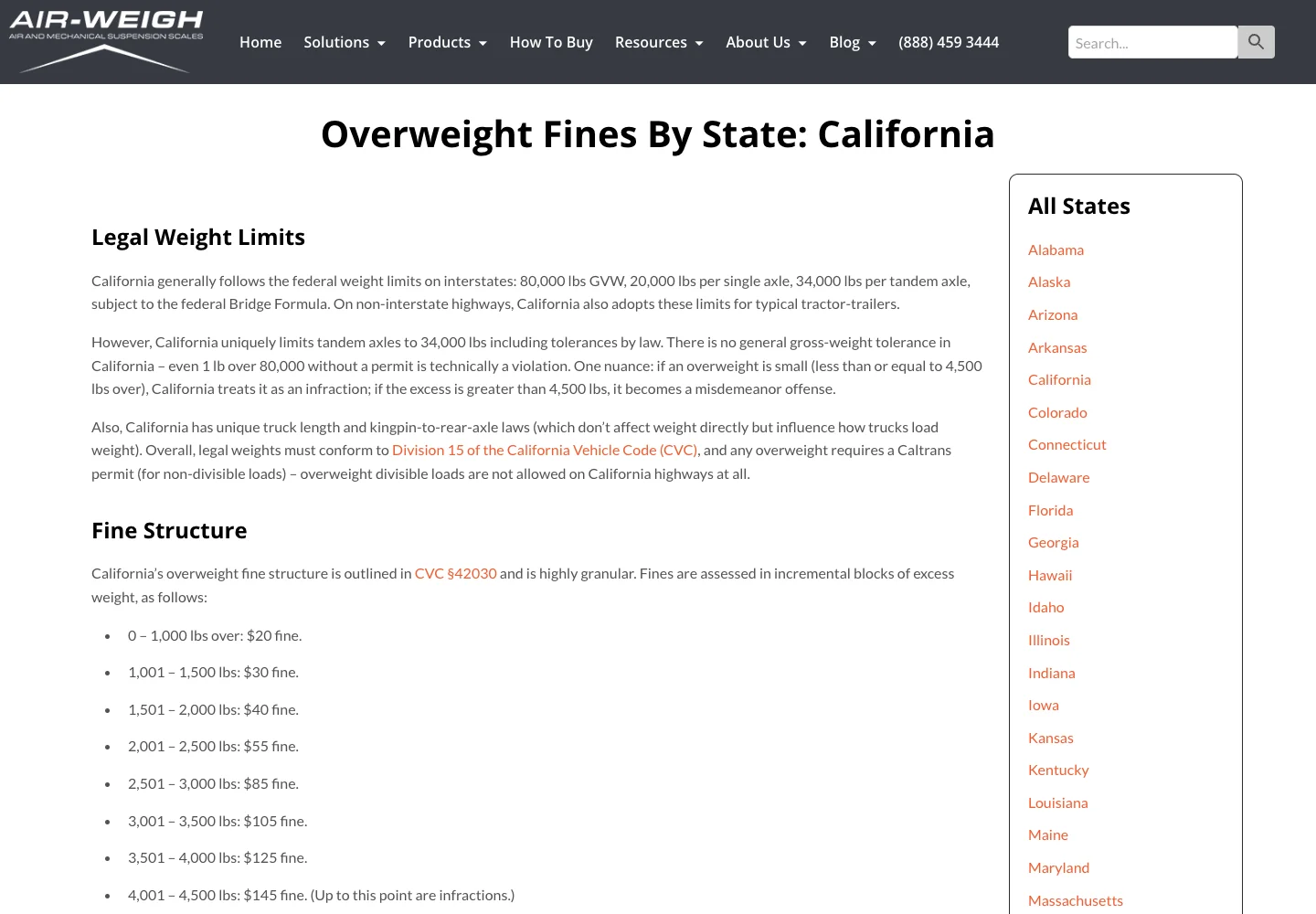
2. Content Clarity (6 Items)
Once the technical side is sound, AI needs clear content to understand your business.
- 7. Can a stranger tell what you do within 5 seconds?
Clear beats clever.
Why it matters to AI: AI needs plain descriptions of your services. - 8. Do you name your service area?
List the actual cities or regions you serve.
Why it matters to AI: AI recommends local businesses for places it can tie them to. - 9. Does each major service have its own page?
One page per service works far better than a single “Services” page.
Why it matters to AI: Dedicated pages are easier to find, understand and cite. - 10. Do your service pages explain the service in detail?
Aim for at least 300 words covering the process, what to expect and common questions.
Why it matters to AI: Detailed pages demonstrate expertise. - 11. Do you have an FAQ section or page?
Use real customer questions.
Why it matters to AI: FAQ Q&A format matches AI’s answer structure. - 12. Is your contact information complete and easy to find?
Phone, email, address, hours and a contact form.
Why it matters to AI: Complete contact details tell AI you are a real, reachable business.
Content Clarity Score: ___ / 6
3. Schema and Content Labels (4 Items)
Schema markup is the labeling layer that tells AI what each piece of your content is.
- 13. Does your site have Organization or LocalBusiness schema?
Why it matters: This tells AI exactly who you are and where you operate. - 14. Do your FAQ sections have FAQ schema?
Why it matters: FAQPage schema lets AI pick up your questions and answers reliably. - 15. Do your service pages have Service schema?
Why it matters: Service schema makes you a direct match for service-based queries. - 16. If you sell products, do you have Product schema?
Why it matters: Product schema feeds AI precise details for comparison and recommendations.
Schema Score: ___ / 4
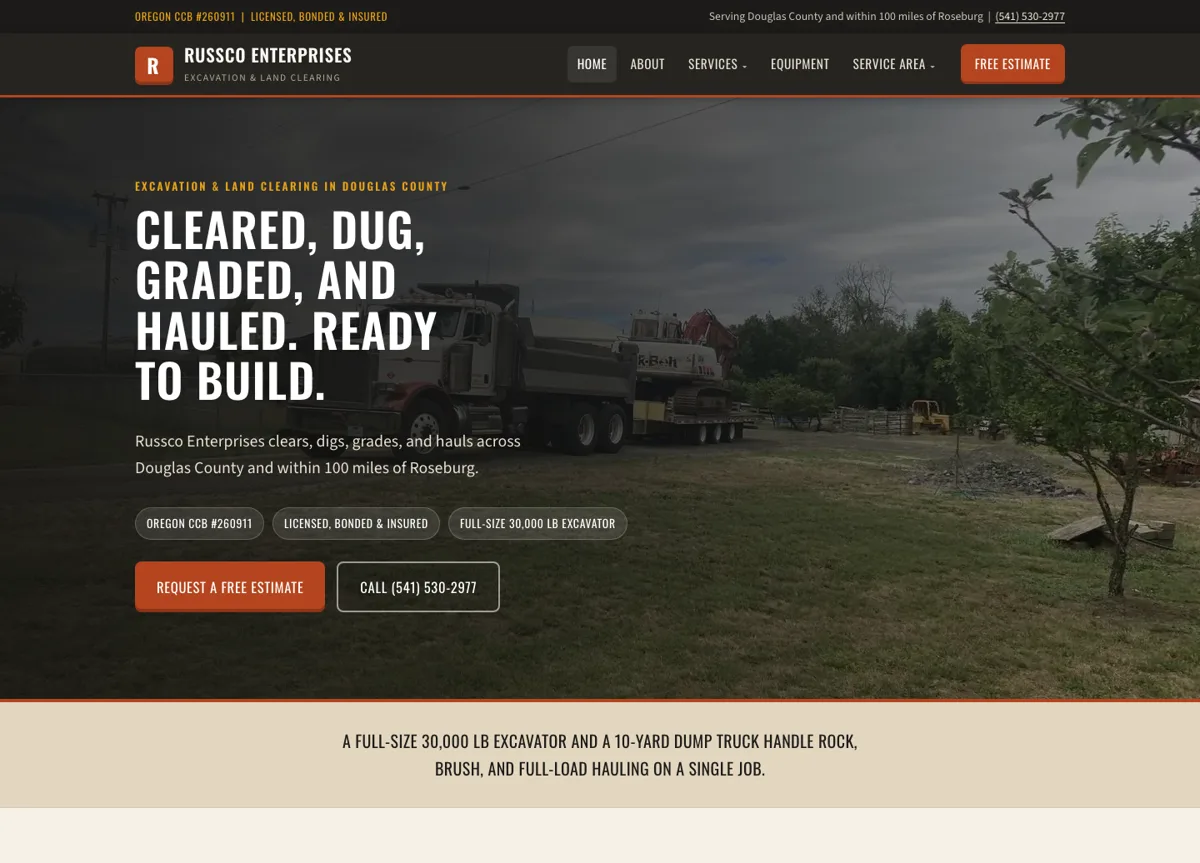
Russco in Google’s AI Overview
On September 16, 2026, we searched Google for “who does trench digging and land clearing in Roseburg Oregon.” Google’s AI Overview named Russco Enterprises, drawing on its homepage, its trench-digging service page and its Roseburg service-area page.
One dated search observation from Merlin, Oregon. AI answers vary by person, place and time. See the Russco Enterprises project
4. Trust and Expertise Signals (4 Items)
AI tools favor sources that show who is behind them and why they know the subject.
- 17. Does your site display customer reviews or testimonials?
Why it matters: Reviews provide external validation AI uses to assess trust. - 18. Does your About page establish expertise?
Why it matters: Concrete credentials increase perceived authority. - 19. Do you display trust badges and certifications?
Why it matters: Licenses, memberships and certifications confirm you are a legitimate business. - 20. Is there author or business attribution on content?
Why it matters: Attribution supports E-E-A-T evaluation.
Trust Signals Score: ___ / 4
Your Total Score
Add your four section scores:
Technical Readiness: ___ / 6
Content Clarity: ___ / 6
Schema: ___ / 4
Trust Signals: ___ / 4
TOTAL: ___ / 20
| Score | What It Means |
| 16-20 | Strong foundation. Focus on adding content and tightening the weak spots. |
| 10-15 | Mixed results. AI understands part of your business and may favor competitors with clearer sites. |
| 0-9 | The structure needs work before anything else. A rebuild is often faster than patching. |
What to Do With Your Results
- If Technical Readiness is your lowest section:
Fix the foundation first, then add content and schema. - If Content Clarity is your lowest section:
Improve your service pages with more detail, clearer wording and FAQs. - If Schema is your lowest section:
Plan on some technical work. Many DIY platforms offer limited schema support. - If Trust Signals is your lowest section:
These are the quickest fixes: add testimonials, credentials, reviews and badges.
How This Plays Out in Real Life
Picture a local electrician with a Wix site that “looks fine.” Here is how it scores:
- Technical: 3/6
- Content: 1/6
- Schema: 0/4
- Trust: 1.5/4
- Total: 5.5/20
The site looks acceptable to customers, and AI search still can’t tell what the business does or where. Thin content, missing schema, loose headings and vague service descriptions all hold it back.
For this electrician, a rebuild with clear structure, schema and detailed service pages is the realistic path to being recommended.
Where to Go From Here
Most small business websites were built to look good, long before AI search existed. Adding the structure AI reads is the next step.
A site AI can’t read is like a store with beautiful interior design and no sign outside. The people who find it love it, and everyone else drives right past.
Your score shows where you stand today, and each point you add makes your business easier to recommend.
If you want a deeper look, I’ll review how your site performs in AI search and give you a prioritized list of changes. Call or text me at (541) 226-8087.
Related Articles
- What AI Wants to Know About Your Business (And How to Tell It)
- What Makes a Website AI-Ready? A Feature-by-Feature Breakdown
- Is Your Business Invisible to AI Search? A 20-Point Visibility Audit
- The Organized Pantry Principle: Why AI Needs Your Content Labeled
- The Hidden Reason Template Websites Fail in AI Search

I run Good Creations in Grants Pass. I work directly with business owners on website design, content, and search. My work includes service writing, inventory websites, and custom publishing tools.
Meet Bob